Best Action Games for iPhone With Controller Support 2026
Best Action Games for iPhone With Controller Support 2026
Only a handful of iPhone action games are built from the ground up with controller support in mind. These six titles stand out because they leverage analog sticks, triggers, and d-pads in ways that transform the experience from “playable on a controller” to “designed for a controller.” They’re premium, IAP-free, and worth your time.
Why Controller Support Matters for Action Games
Touch controls work fine for turn-based games and puzzles, but action games—especially arcade-lineage titles—demand the kind of precision and real-time feedback that analog sticks provide. Per player feedback, controller-enabled action games feel more responsive and rewarding than their touch-only counterparts. The difference is immediate: you’re not hunting for your thumb position while dodging enemy fire; your muscle memory from console gaming translates directly.
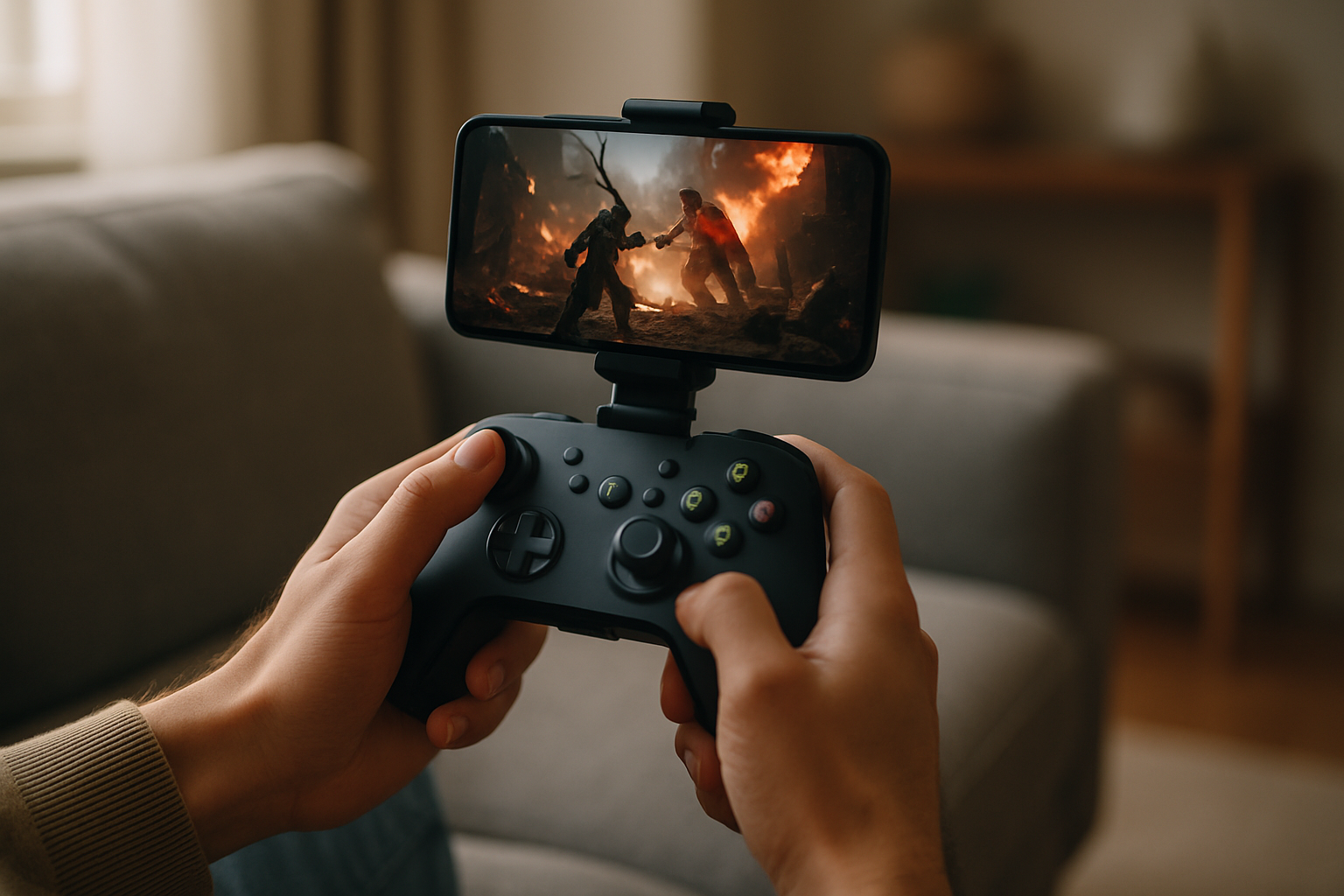
MFi controller support also unlocks a different play context. Docked on a TV via AirPlay or played in your lap during a long flight, a controller-enabled action game stops feeling like a mobile compromise and starts feeling like a real game.
How to Choose
For short bursts (10–20 minutes): Asteroids: Recharged and Radiant are designed for quick runs. Difficulty ramps fast, so you’ll feel progression even in a single session.
For extended play (30+ minutes): Hades and Spelunky 2 reward longer sessions with unlocks and story progression. Both have difficulty options, so you can play at your own pace.
For precision-focused gameplay: Sword of Xolan and Galaximus demand deliberate stick positioning. Pick these if you enjoy learning enemy patterns and optimizing your approach.
For multiplayer: Spaceteam is the only local co-op title here. It’s chaotic and best with 2–4 players in the same room.
Arcade-Lineage Action: Twin-Stick and Classic Reimagined
The strongest controller-supported action catalog on iPhone traces back to arcade-era formats. These games respect the lineage—simple input, escalating difficulty, high score chase—while adding modern craft.
Asteroids: Recharged
Price: | IAP: None
Atari’s 1979 classic gets a 2024 overhaul that’s respectful without being slavish. The twin-stick control scheme (left stick for rotation and thrust, right stick for firing angle) is the gold standard for how to map arcade action to modern controllers. The responsive deadzone tuning means you’re never fighting input lag; you’re always in control.
The game adds a modern layer: power-ups that chain into combo multipliers, enemy waves that force tactical positioning, and a difficulty curve that respects newcomers but rewards practiced players. It’s short (20–30 minutes per run) but designed for repeated plays. The controller implementation is so clean that touch controls feel like a step backward after you’ve played it with a stick.
Sword of Xolan
Price: | IAP: None
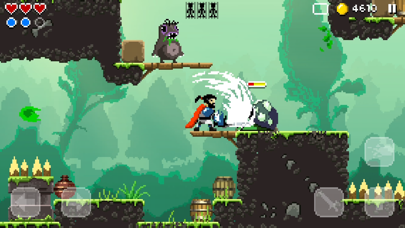
This is an isometric action game where the analog stick controls your character’s movement and attack direction simultaneously. The craft here is in the positioning: you’re not mashing buttons; you’re angling your approach to enemies, using the environment, and reading enemy patterns. The controller responsiveness is tight enough that you feel the difference between a 45-degree approach and a 50-degree one—that’s good design.
The game respects your time: runs are 10–15 minutes, difficulty is tunable, and there’s no grind. The controller’s triggers map to special abilities, so you’re using the full feature set of the device rather than just the sticks.
Roguelike Action With Controller Depth
Roguelikes pair well with controllers because the loop—explore, dodge, attack, die, learn, repeat—benefits from responsive input. The best controller-supported roguelikes on iPhone lean into this.
Hades
Price: | IAP: None
Supergiant’s genre-defining roguelike arrived on iPhone in 2023, and the controller implementation is exemplary. The dodge mechanic—which is the core of Hades’ moment-to-moment gameplay—maps beautifully to the right trigger. Your thumb naturally learns the rhythm of attack-attack-dodge-attack, and the controller’s haptic feedback (on supported devices) reinforces each parry and hit.
The game is long (100+ hours if you want to unlock everything), but controller play makes those hours feel less like work and more like mastery. The analog stick’s nuance means you can position yourself in tight spaces without the imprecision that plagues touch-only roguelikes.
Spelunky 2

Price: | IAP: None
Mossmouth’s sequel is a platformer-action hybrid that demands precision—you’re jumping over spikes, timing runs past enemies, and managing momentum. With a controller, those inputs feel intentional rather than lucky. Per player reports, Spelunky 2 with a controller has a notably higher “flow state” feel than the touch version.
The game is punishingly difficult but fair. Controller support makes the difficulty feel earned rather than frustrating, because you know your inputs are being registered exactly as intended.
Space Action: Orbital Mechanics and Real-Time Combat
Space-action games on iPhone have a particular niche: they often pair physics-based movement (gravity, momentum, inertia) with real-time combat. Controllers excel here because you’re managing two simultaneous inputs (movement and aim) with precision.
Galaximus
Price: | IAP: None
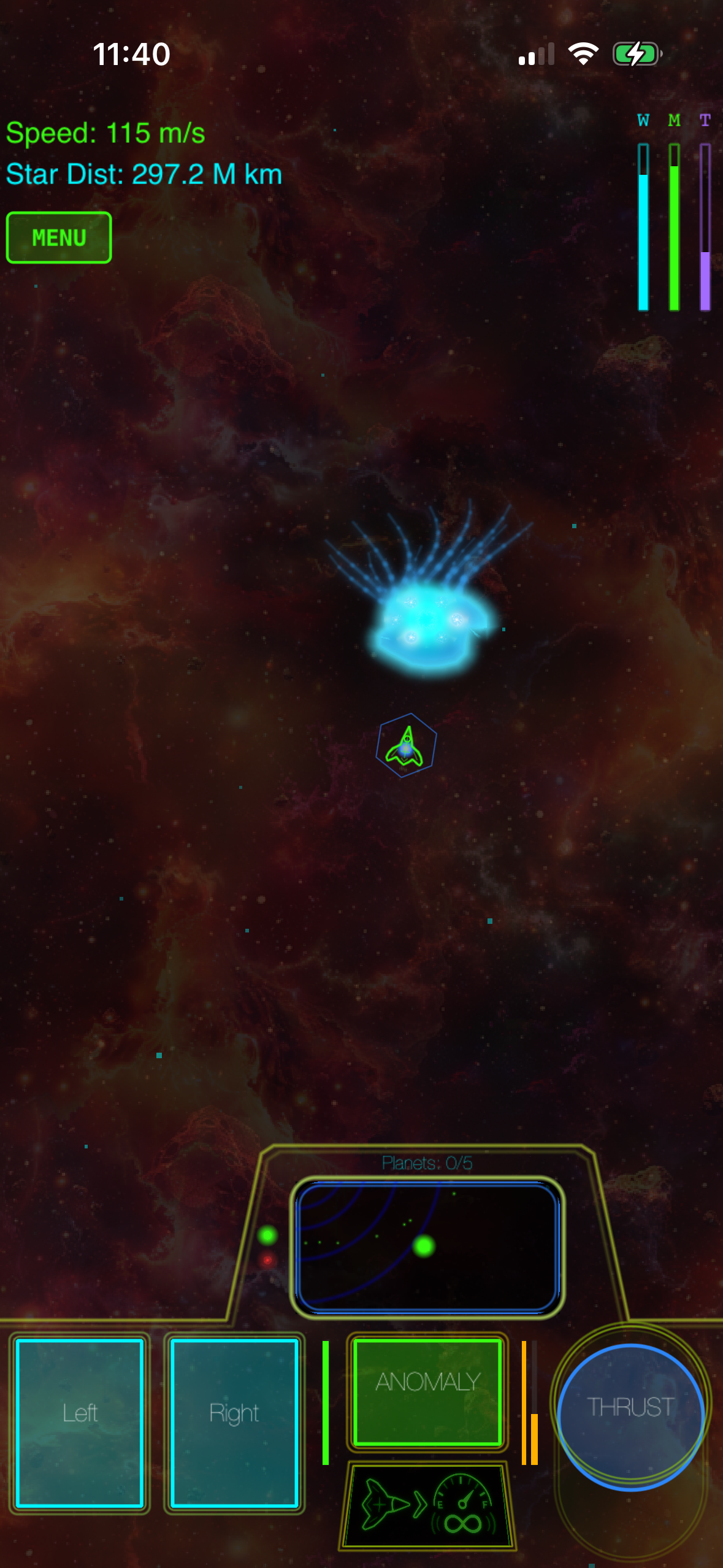
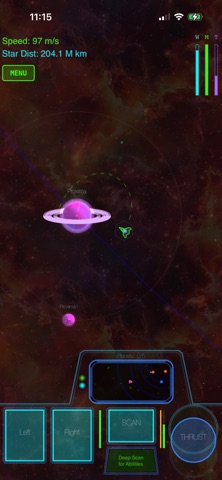
This is a space-action game built around orbital mechanics—your ship responds to gravity and momentum, not arcade acceleration. The controller implementation leverages this: the left stick controls your thrust vector, the right stick your firing direction, and the triggers manage special abilities. The analog sticks’ range of motion maps directly to the physics—a quarter-stick input produces a different trajectory than a full-stick input, which rewards patient, deliberate play over twitch reflexes.
The game is designed for both short sessions (5–10 minute skirmishes) and longer campaign runs. The controller support is so integral to the experience that the developers tuned the physics specifically around analog input; touch controls are available but feel like a secondary mode.
Radiant
Price: | IAP: None
A minimalist space shooter where you’re defending a central point from waves of enemies. The controller maps naturally: left stick for movement, right stick for aim, triggers for weapon fire. The game’s elegance is in its simplicity—no menus, no upgrades, just you and the incoming waves. Per player feedback, the controller responsiveness is tight enough that you can feel the difference between a clean dodge and a near-miss.
Cooperative Action and Multiplayer
Not all action is solo. A few standout titles leverage controller support for local multiplayer or cooperative play, which changes the dynamic entirely.
Spaceteam
Price: | IAP: None
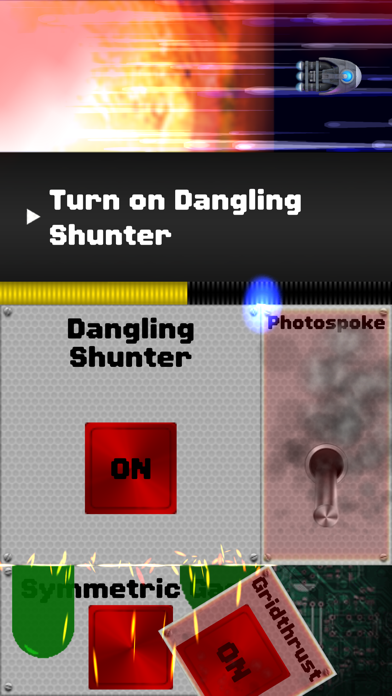
This is chaos distilled into a game. You and a friend (or up to four players) are operating a spaceship that’s falling apart, and you need to coordinate repairs before it explodes. Each player has a controller, and the game assigns random tasks to random players—you might need to “redirect the flux capacitor,” but the button for that is on your friend’s controller, so you have to shout instructions while they’re trying to do their own task.
It sounds absurd because it is absurd, and that’s the point. Per owner reports, Spaceteam with controllers is one of the best “couch multiplayer” experiences on iOS. The controller support means you’re not fighting over a single screen or trying to hold four fingers on a tablet; everyone has their own input device, which makes the chaos feel intentional rather than frustrating.
FAQ
Do all iPhones support MFi controllers? MFi (Made for iPhone) controllers work with any iPhone running iOS 13 or later. Pairing is straightforward: go to Settings > Bluetooth, hold the controller near your phone, and tap when it appears.
Which controllers work best with iPhone action games? The most common are the Xbox Wireless Controller and PlayStation 5 DualSense (both work via Bluetooth). The Xbox controller’s stick sensitivity is slightly more forgiving for arcade games, while the DualSense’s haptic feedback adds a layer of feel to games that support it. Either is excellent; pick based on what you already own or prefer ergonomically.
Can I use a PlayStation 4 controller with iPhone? Yes. The PS4 DualShock 4 pairs via Bluetooth and works with all MFi-compatible games. It’s slightly older than the DualSense, so haptic feedback support varies by game.
What’s the input lag on MFi controllers vs. console controllers? MFi controllers have slightly higher latency than wired console controllers (typically 20–50ms vs. 5–15ms), but the difference is imperceptible in most games. Action games on this list are tuned for MFi latency, so you won’t feel a disadvantage.
Can I play these games without a controller? Yes. All the games listed here support touch controls. However, action games designed with controllers in mind often feel less responsive on touch—not because touch is broken, but because the game’s tuning assumes analog input. If you’re on the fence about buying a controller, try the touch version first; if you find yourself wishing for more precision, a controller is worth the investment.
Are these games available on other platforms? Several of them are. Hades and Spelunky 2 are on Switch, PlayStation, and PC. Asteroids: Recharged is on multiple platforms. Galaximus and Radiant are iPhone-exclusive. If you’re looking for cross-platform play or want to compare versions, check the App Store listing for each game.
Do I need a subscription to play these? No. All the games listed here are premium-tier: you pay once, you own the game, no ads, no IAP, no subscription. That’s the whole point of this list.
The Bottom Line
Controller support on iPhone is still a niche feature, but the games that implement it well are genuinely excellent. If you have a controller, these titles justify the investment. If you don’t, and you’re serious about action games on your phone, a controller opens up a whole category of play that touch controls can’t quite match.


