Best iPhone Games With Controller Support 2026

Photo by Onur Binay on Unsplash
Best iPhone Games With Controller Support in 2026
If you’ve got an MFi controller sitting next to your iPhone, you’re sitting on access to a niche but genuinely excellent category: premium games built from the ground up to use a gamepad. Not retrofitted, not half-hearted—games where the developer chose to ship controller-first because the experience demanded it.
What “Built for Controller” Actually Means
There’s a crucial difference between a game that supports controllers and one built for them. A game that supports controllers often feels like an afterthought—the controls work, but menus force you back to touchscreen, button mapping feels awkward, or analog sensitivity isn’t adjustable. A game built for controllers integrates them seamlessly: intuitive button defaults, responsive analog sticks, trigger buttons handling critical actions, and every menu navigable without touching the screen. The games on this list were either designed controller-first or retrofitted thoughtfully enough that the controller feels native, not bolted-on.
Why Controller Support Matters on iPhone
Controller support on mobile isn’t a luxury—it’s a design choice that signals craft. A developer who commits to MFi support is saying: “This game’s controls matter enough that we’re not compromising them for a touchscreen.” That commitment usually means tighter mechanics, better feedback, and games that reward skill over luck.
The best controller-supported iPhone games fall into a few camps: arcade-lineage titles that need precision, space sims where analog sticks unlock depth, story-driven indie games that benefit from a full button layout, and strategy games where a gamepad just feels more natural than tapping. You’ll find all of those here.
Galaximus: Real Physics, Real Mastery
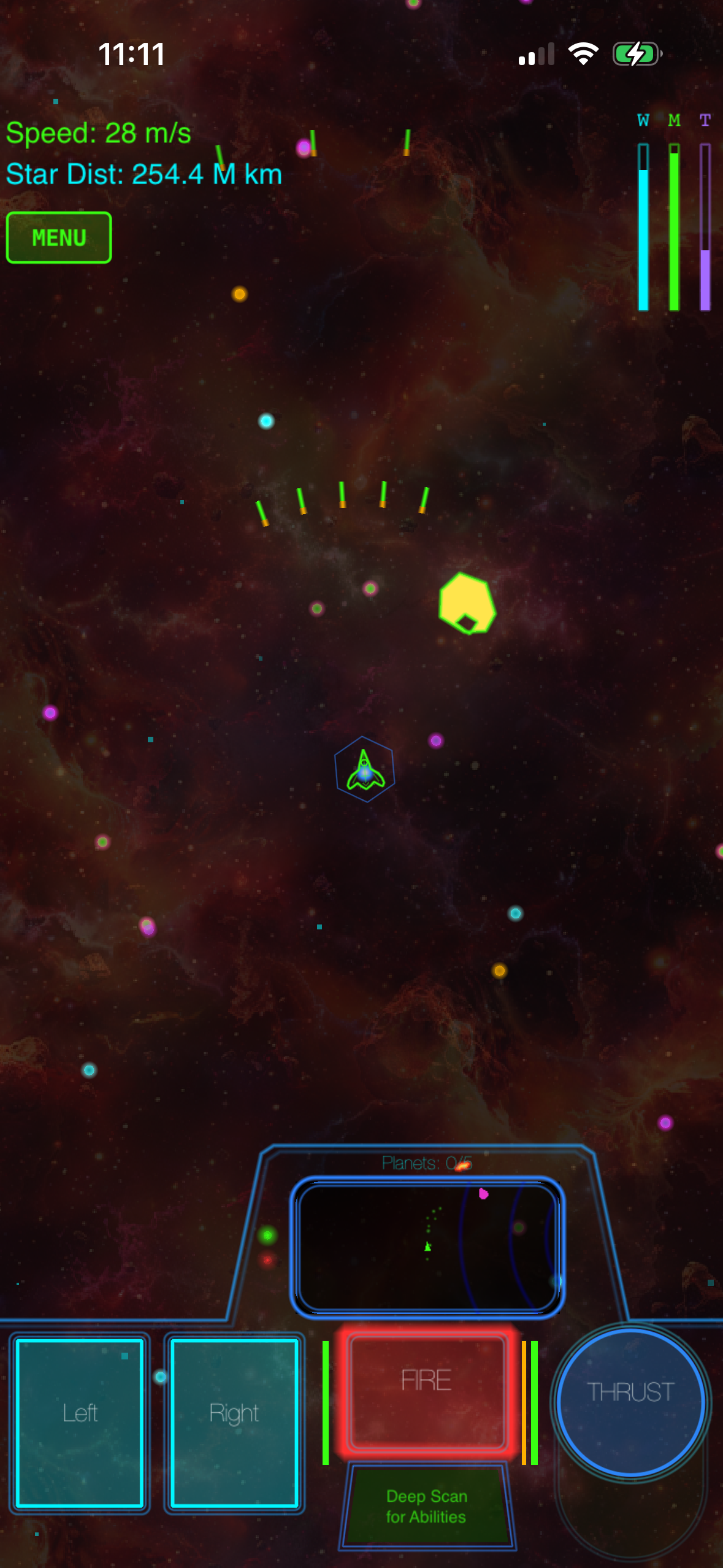
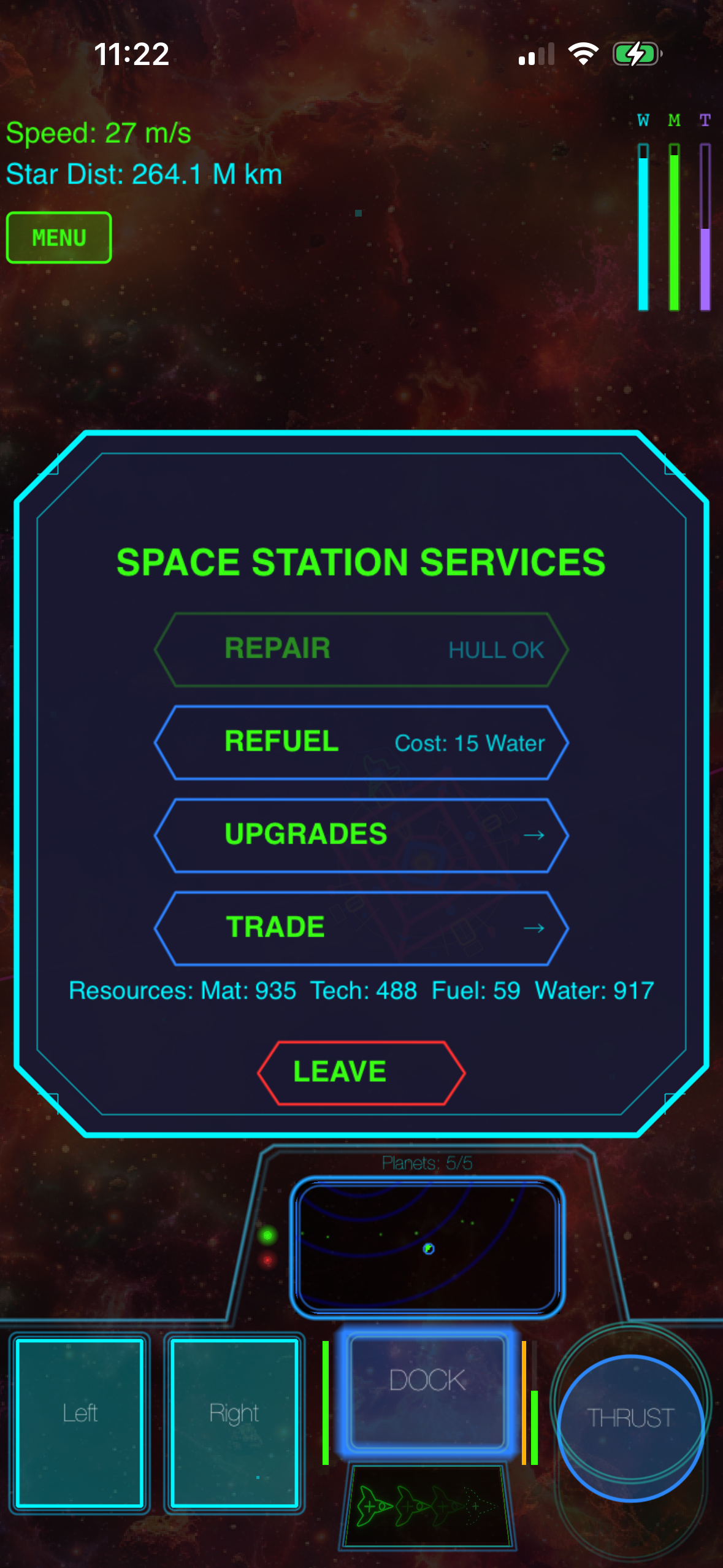
Galaximus is the most technically ambitious space game on iPhone in 2026—a premium arcade-action title where every celestial body obeys real orbital mechanics. Your ship, The New Dawn, doesn’t fight gravity; it uses gravity as the engine. Slingshots around planets, orbital captures, fuel-efficient transfer windows—mastery comes from understanding the physics, not memorizing attack patterns.
The controller is essential here. Analog sticks let you modulate thrust with precision; the trigger buttons handle firing and system management without taking your thumbs off movement. The learning curve is real—gravity is the interface you have to internalize—but the payoff is a depth no faked-physics space game can match. The campaign spans 8 star systems with full narrative arcs. Each system features procedurally configured layouts—meaning the star positions, planet orbits, and asteroid fields are algorithmically generated within each system, creating unique navigation challenges on every playthrough without feeling random or disconnected. This affects replayability directly: you can replay the same story mission and face different orbital geometry, forcing you to adapt your approach rather than memorize solutions. Each system also hides anomalies—derelict ships, spacetime rifts, distress beacons—that offer self-contained mini-experiences.
The audio is procedurally synthesized in real time—every laser, explosion, and character voice is generated on-device, creating a consistent aesthetic that pairs perfectly with the vector-arcade visuals. One-time purchase , no ads, no IAP. A major expansion called Galaximus Infinitum (open-galaxy sandbox, planetary surface exploration, outpost building) ships late 2026; players who buy now receive Infinitum as a free upgrade.
Asteroids+: Vector Arcade Precision
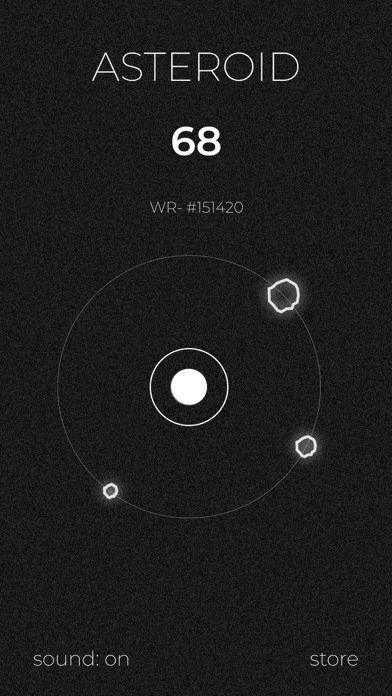
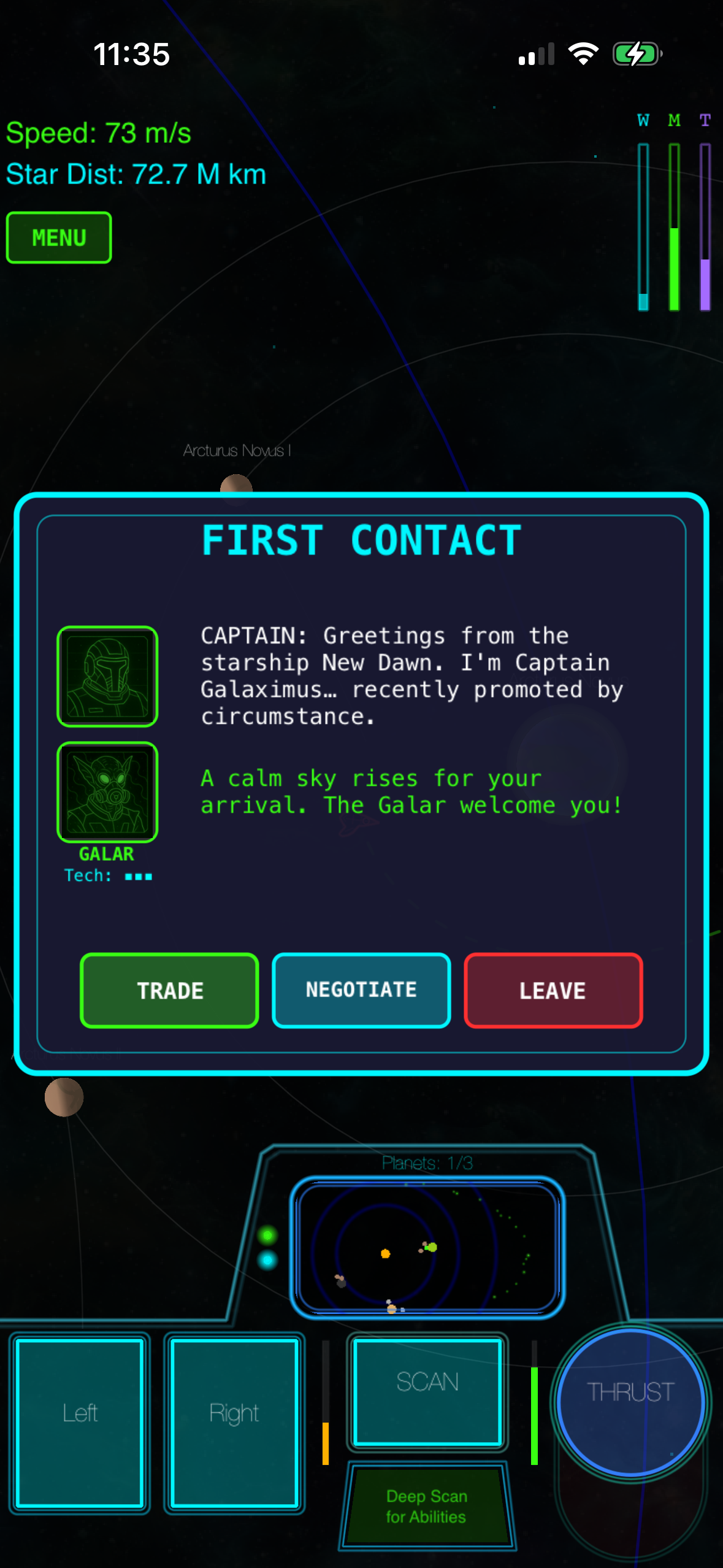
Asteroids+ is what happens when a developer respects the arcade lineage enough to build on it rather than just ape the aesthetic. It’s vector-clean, ruthlessly focused, and built for controller mastery from the ground up. The core loop—rotate, thrust, fire, manage momentum—is 50 years old and still works because the fundamentals don’t age.
Controller support here isn’t window dressing; it’s the intended way to play. Analog stick rotation feels smoother than touchscreen swipes ever could; the trigger buttons handle fire and special weapons without fumbling. The game layers procedural difficulty scaling on top of the arcade formula—each wave escalates in a way that feels earned rather than artificial. High-score chasing is the entire game, and the leaderboard integration means you’re always competing against a ghost of your own best run or someone else’s., no IAP, no ads.
This is the arcade game for players who want the original format respected, not reinvented.
Oxenfree: Dialogue-Driven Indie With Controller Flow

Oxenfree is a narrative adventure where the story unfolds through dialogue choices, radio tuning, and environmental exploration. It’s not action-heavy; it’s character-driven indie craft. The reason it belongs on a controller list is that the game’s flow—moving through scenes, selecting dialogue options, tuning the in-game radio—feels more natural with a gamepad than with touchscreen taps. The controller creates distance between you and the UI in a way that actually deepens immersion.
The story itself is the draw: a group of friends on an island, a mysterious radio signal, and choices that ripple through the narrative in ways you won’t see coming. The visual style is hand-drawn, deliberately lo-fi. The dialogue is sharp and character-specific—you hear distinct voices in how each person speaks. Controller support here is the publisher’s way of saying “we want you comfortable and settled in for this story.”, premium experience.
Star Realm Mobile: Deck-Building With Tactical Depth
Star Realm Mobile is a deck-building card game with real-time tactical combat phases where the controller actually changes how you play. The strategic layer—building your deck, managing resources, choosing which cards to buy—works fine on a touchscreen. But when combat starts, a controller gives you faster access to targeting, ability activation, and positioning decisions that happen in real time. It’s the kind of game where a gamepad doesn’t add depth to the core mechanic; it adds fluidity to the execution.
The game scales from casual skirmishes to competitive ranked play. The card pool is deep enough that deck-building feels like genuine strategy, not random draw. with optional cosmetic IAP (not required for competitive play). The controller integration is thoughtful—not every card game on iOS bothers, which makes the ones that do stand out.
Crossy Road: Voxel Charm and Local Multiplayer
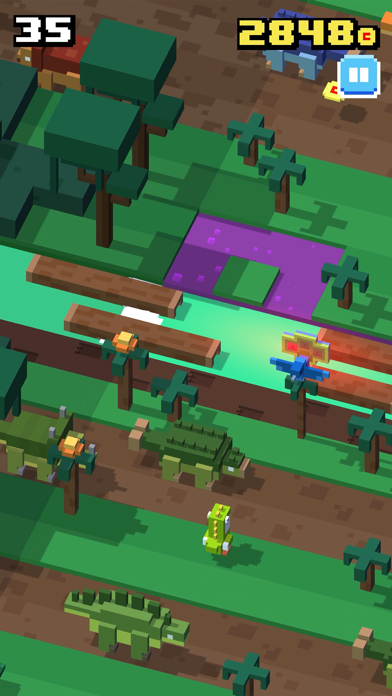
Crossy Road is the exception that proves the rule: a game that works perfectly on touchscreen but becomes genuinely better with a controller. The voxel-art aesthetic is charming; the pick-up-and-play loop is addictive; the local multiplayer mode is the real killer feature. Playing Crossy Road with a controller in hand, passing it to a friend for their turn, feels like couch gaming from a better era—no menus, no friction, just “your turn, now mine.”
The single-player campaign is roguelike-structured: each run is a different procedurally generated level, and you’re trying to get as far as possible before an obstacle catches you. The character roster includes dozens of unlockable skins (cosmetic; no pay-to-win mechanics). Controller support is native; the game was designed to feel good in your hands., no ads, no IAP. This is the game you play with someone else in the room.
How to Pick the Right Game for Your Controller Setup
Not every game that claims controller support is built for it. The distinction matters. Before you buy, check:
- Button mapping clarity. If the game requires button remapping to feel right, the developer didn’t nail the defaults. Good controller games feel intuitive on first launch.
- Analog stick sensitivity. Games that use analog sticks (Galaximus, Asteroids+) should let you adjust sensitivity without menu diving. Precision matters.
- Trigger integration. If the game has two-button actions (fire + secondary ability), does it use the triggers or force you to hold a face button? Triggers are better.
- Menu navigation. Can you navigate menus with the d-pad and confirm with a button, or does the game force you back to touchscreen for some screens? Seamless navigation is the sign of real controller support.
All five games on this list pass these checks; here’s why each excels: Galaximus uses triggers for firing and system toggles, leaving analog sticks pure for thrust control. Asteroids+ maps rotation and fire to analog + triggers with zero menu friction. Oxenfree navigates all dialogue and menus via d-pad and buttons. Star Realm Mobile uses face buttons for card selection and triggers for ability activation during combat. Crossy Road keeps controls simple—d-pad movement, single action button—so there’s nothing to fumble.
The Premium Model Advantage
Every game on this list is premium—one-time purchase, no ads, no IAP (or cosmetic-only). That’s not accidental. The developers who build controller support are usually the same ones who reject the free-to-play model. They’re making games for players who want to own what they buy, not rent it with energy meters and battle passes.
Controller support correlates with craft. You’re not going to see a polished MFi-native game from a publisher shipping energy timers; the business model and the design philosophy don’t align. If you’re buying a controller-supported game, you’re buying from a developer who prioritized experience over monetization.
FAQ
Do I need a specific controller for these games?
Any MFi-certified controller works. The most common are the SteelSeries Stratus Duo, 8BitDo Pro 2, and Xbox-style controllers like the Backbone One. The games on this list support all of them. Pairing is one-time; after that, the controller connects automatically when you launch the game.
Do these games work on iPad?
Yes. All five games are available on iPad with full controller support. The larger screen makes Galaximus and Star Realm Mobile especially enjoyable. Check individual App Store listings to confirm iPad compatibility.
What’s the typical price range for these games?
Budget-tier games : Oxenfree, Crossy Road. Mid-tier games : Asteroids+, Star Realm Mobile. Premium tier : Galaximus. All are one-time purchases with no ongoing costs.
Are these games offline?
Galaximus, Asteroids+, Oxenfree, and Crossy Road are fully offline. Star Realm Mobile requires an internet connection for multiplayer ranked play, but single-player campaign works offline.
What’s the learning curve like for Galaximus?
Real. The first 30 minutes are spent learning how gravity works as your engine—slingshots, orbital captures, fuel management. After that, mastery is achievable and rewarding. If you want a game you can pick up in 5 minutes, Asteroids+ or Crossy Road are better fits. If you want depth that pays off over hours, Galaximus is worth the investment.
Do these games support local multiplayer?
Crossy Road is the standout for local multiplayer—pass the controller, take turns, no online required. Asteroids+ has leaderboard competition but not local head-to-head. Galaximus is single-player campaign. Star Realm Mobile has online multiplayer. Check individual App Store listings for specifics.
The Takeaway
Controller support on iPhone in 2026 is a marker of intentionality. These games weren’t built to maximize engagement metrics or monetize your attention—they were built because the developer cared enough about the experience to support the hardware that makes that experience better. Galaximus is the most ambitious; Asteroids+ is the most arcade-pure; Oxenfree is the most narratively rich; Crossy Road is the most fun with a friend. Pick based on what you want to do with your time, and you won’t regret it.
Get Galaximus on the App Store: Get it on the App Store