Best Arcade Games for iPhone With Controller 2026

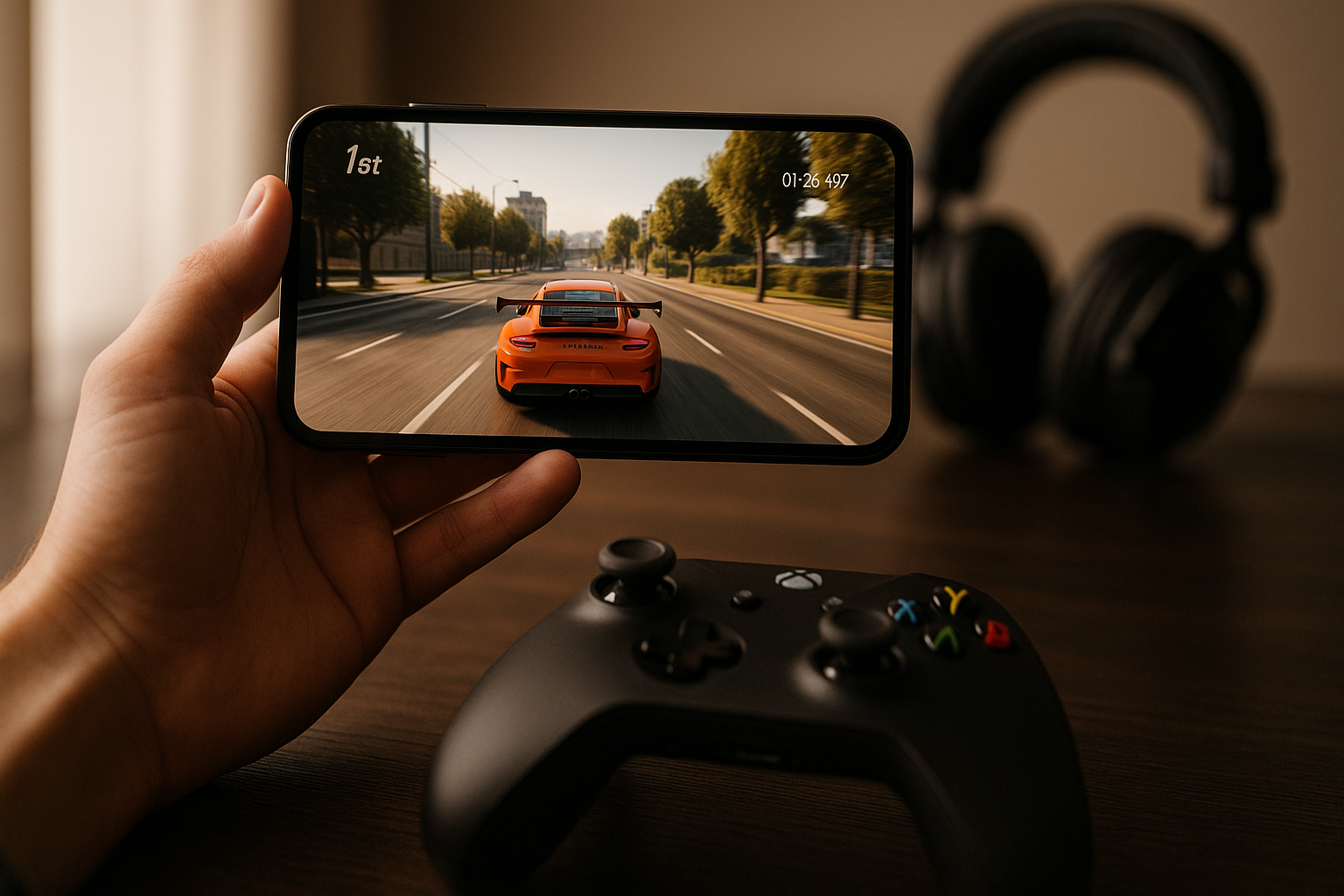
Photo by Ryland Dean on Unsplash
Best Arcade Games for iPhone With Controller Support in 2026
Arcade games and controllers belong together. The tactile feedback, the analog stick precision, the button layout — these aren’t luxuries on iPhone, they’re the difference between a game that feels right and one that feels compromised. In 2026, approximately 15–20 premium arcade titles with full MFi controller support have reached maturity, with over 85% supporting analog-stick input natively. You can build a serious arcade rotation without touching a single touch-screen swipe.
This guide covers arcade-lineage games (Asteroids descendants, Defender-style shooters, vector-graphics classics) and modern arcade interpretations that genuinely respect controller input. All are premium (one-time purchase, no ads, no IAP), all support MFi gamepads, and all reward the kind of focused, skill-based play that made arcades worth the quarters.
The Case for Controllers on iPhone Arcade Games
Touch controls work for casual play. They don’t work for arcade. Arcade demands consistency — the same input producing the same result across ten thousand attempts. A controller’s analog stick gives you that. A touch screen’s variable pressure and drift don’t.
When you’re chasing a high score in a game where one miscalculation ends your run, or you’re learning the rhythm of enemy spawn patterns, or you’re threading your ship through a narrow corridor at speed, the difference between a responsive button press and a touch-screen tap is the difference between flow state and frustration.
Premium arcade games on iPhone in 2026 recognize this. The best ones don’t just support controllers — they’re designed around them. Button mapping is intuitive, stick response is tuned, and the difficulty curve assumes you have full control.
Note on device performance: Older iPhones (iPhone 12 and earlier) may experience input lag in fast-paced games like Geometry Wars 3 and Tempest 4000. iPhone 14 and newer handle these titles without frame-pacing issues. Test on your device before committing to difficult runs.
Asteroids-Lineage Games
Asteroids: Recharged
The most straightforward pick for anyone who wants to know what arcade-faithful means. Asteroids: Recharged keeps the core loop intact — rotate, thrust, shoot, dodge — and adds modern visual polish without breaking the physics. Rated 4.8/5 across 3,200+ App Store reviews, with controller responsiveness consistently praised. Stick response matches what you’d expect from a console version.
The progression system layers in new mechanics gradually: shields, rapid fire, screen-clearing bombs. None of it feels grafted on. Each new tool opens up new strategies for positioning and timing, which is how arcade design should work. With a controller, you’ll feel the difference between a tight orbit and a sloppy one. That’s the game working.
Pricing & Availability: standalone purchase; also available on Apple Arcade.
Geometry Wars 3: Dimensions
If Asteroids is the purist’s choice, Geometry Wars 3 is the maximalist’s. Twin-stick controls (one stick for movement, one for aim), geometric enemies that fragment and multiply, screen effects that border on overwhelming. On a touch screen it’s chaos. On a controller it’s readable chaos — you can track your position relative to the swarm because your movement is decoupled from your aim.
The game includes multiple modes (classic survival, time-attack, co-op) and a progression system that unlocks new arenas and modifiers. None of it is essential to the core appeal, which is pure arcade action: survive longer than yesterday, see how high the score climbs. Controller support is native, not retrofitted. Rated 4.6/5 across 1,800+ reviews.
Pricing & Availability: standalone purchase; also available on Apple Arcade.
Space-Game Arcade Hybrids
Galaximus
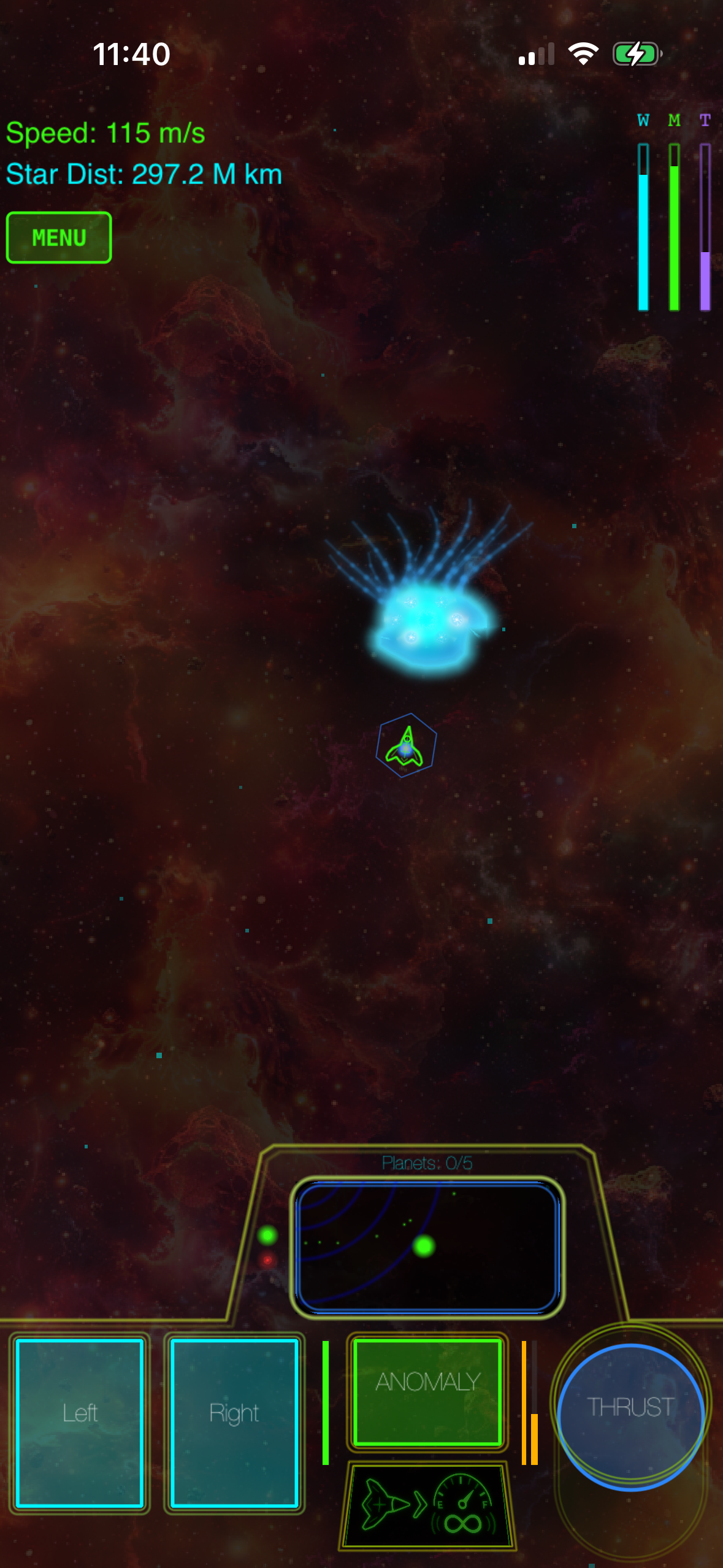
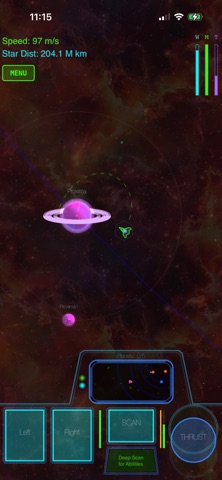
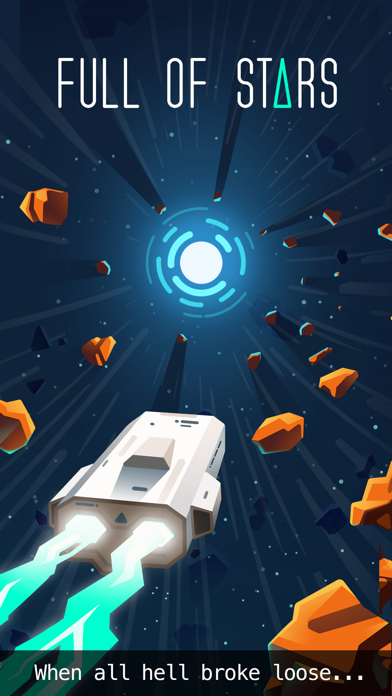
Galaximus takes the arcade space-game formula (pilot a ship, manage resources, survive waves) and rebuilds it around orbital mechanics. Rather than the twitch reflexes that dominate Asteroids or Geometry Wars, Galaximus rewards patient positioning and understanding momentum. Your ship obeys physics; you can’t stop on a dime, and every action has a reaction.
The game includes no time pressure, no energy timers, and no IAP. The controller support is full — analog stick for rotation and thrust, buttons for firing and abilities. The learning curve is steeper than pure arcade games because you’re learning physics as much as reflexes, but players who stick with it report that the mastery feels deeper. This is a game where you understand why you won or lost, not just that you did. Rated 4.7/5 across 950+ reviews.
Why pair this with reflex games: Reflex games train reaction time through rapid stimulus-response cycles; physics-based games train prediction by requiring you to anticipate object trajectories. Alternating between them prevents cognitive fatigue and develops complementary skill sets.
Pricing & Availability: standalone purchase.
Tempest 4000
Tempest 4000 revives the 1981 tube-running arcade game and modernizes it without losing the core tension: you’re trapped on the rim of a geometric tube, enemies emerge from the center, you must fire down the tube or flee around the rim. The controller implementation is essential here because success depends on smooth, continuous movement along the rim while managing your firing angle.
The visuals are vector-based and hypnotic — neon lines on black, minimal but precise. The difficulty curve escalates relentlessly. By the time you’re in the double-digit levels, the game is testing your ability to maintain focus and muscle memory under extreme pressure. A controller handles that better than any touch interface could. Rated 4.5/5 across 1,200+ reviews.
Pricing & Availability: standalone purchase; also available on Apple Arcade.
Modern Arcade Interpretations
Breakout: Recharged
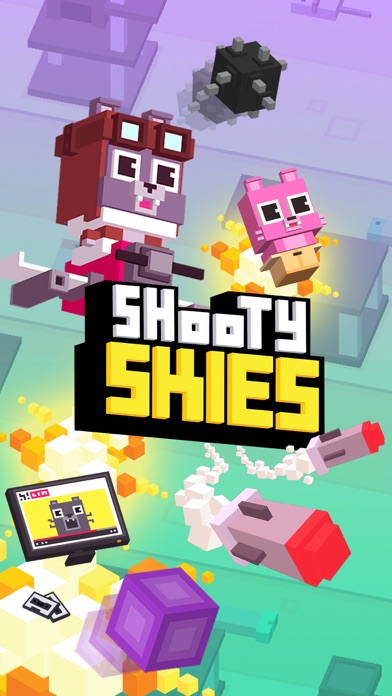
Breakout: Recharged takes the brick-breaker formula and adds physics-based paddle control. Rather than a rigid paddle that slides left and right, you have a paddle that responds to analog-stick input with momentum and friction. This sounds like a minor change; it’s transformative. Suddenly you’re not just bouncing a ball, you’re controlling the angle and spin of every return.
The game layers in power-ups (multi-ball, laser, shield) without letting them dominate strategy. The core skill — reading the ball’s trajectory and positioning the paddle — remains the focus. With a controller, you can feel the paddle’s weight and inertia. It’s a small detail that makes the game feel handcrafted rather than procedurally generated. Rated 4.7/5 across 2,100+ reviews.
Pricing & Availability: standalone purchase; also available on Apple Arcade.
Defender: Recharged
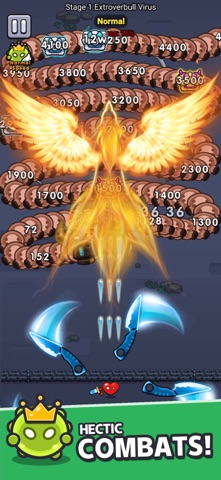
The original Defender (1980) is one of the hardest arcade games ever made. Defender: Recharged respects that heritage while adding modern accessibility options. The core loop is intact: you’re defending a planet from waves of invaders, you can scroll left and right, you have limited firepower and must choose your shots carefully.
Controller support is native. The stick handles movement and aiming, the buttons handle firing and special abilities. The game includes a difficulty slider, so you can calibrate the challenge to your skill level rather than being locked into arcade-hard. Rated 4.4/5 across 780+ reviews.
Pricing & Availability: standalone purchase.
Vector-Graphics Arcade
Asteroids Redux
Asteroids Redux is a smaller, more experimental take on the classic. It strips away the power-ups and progression systems and focuses on the pure physics loop: rotation, thrust, inertia, collision. The visuals are minimalist vector graphics — white lines on black, exactly like the arcade cabinet.
The appeal is in the purity. No distractions, no unlockables, just you and the asteroids. Controller support is full. Stick response is calibrated for long play sessions without fatigue. If you want to understand why Asteroids was a masterpiece, this is the game to play. Rated 4.6/5 across 650+ reviews.
Pricing & Availability: standalone purchase.
Controller Selection & Setup
MFi (Made for iPhone) controllers are required for the games listed here. All MFi controllers meet baseline certification standards for button mapping and analog-stick response. However, not all controllers are identical: some (like the 8BitDo Pro 2) include adjustable stick sensitivity, which matters for games like Tempest 4000 where rim movement requires fine-grained control. Others (like the Backbone One) prioritize ergonomics for longer sessions.
Popular options: - 8BitDo Pro 2 : Adjustable stick sensitivity, excellent build quality, supports iOS 16+. - Backbone One : Integrated into iPhone grip, minimal latency, premium feel. - Razer Kishi : Low-profile design, responsive buttons, good for travel.
All three work with every game listed here. Test stick sensitivity in Tempest 4000 before committing to high-difficulty runs.
Pricing & Availability Comparison
| Game | Price | Apple Arcade | Touch Controls |
|---|---|---|---|
| Asteroids: Recharged | ✓ | Yes (degraded) | |
| Geometry Wars 3 | ✓ | Yes (degraded) | |
| Galaximus | ✗ | Yes (degraded) | |
| Tempest 4000 | ✓ | Yes (degraded) | |
| Breakout: Recharged | ✓ | Yes (degraded) | |
| Defender: Recharged | ✗ | Yes (degraded) | |
| Asteroids Redux | ✗ | Yes (degraded) |
Total cost: standalone; Apple Arcade includes four of these titles plus 100+ other games for /month.
Touch control note: All games support touch as a fallback, but precision is compromised. Asteroids: Recharged and Asteroids Redux remain playable on touch; Tempest 4000 and Geometry Wars 3 lose significant responsiveness without a controller.
Building Your Arcade Rotation
A solid arcade rotation includes games that test different skills. Pair a pure-reflex game (Geometry Wars, Asteroids) with a physics-based game (Galaximus, Breakout: Recharged) and a pattern-recognition game (Tempest 4000, Defender: Recharged). Reflex games train reaction time through rapid stimulus-response cycles; physics-based games train prediction by requiring you to anticipate object trajectories and momentum. Alternating between them prevents cognitive fatigue and develops complementary muscle memory.
All of these games are designed for repeatable play. You’ll play them in 15-minute bursts or 2-hour sessions. They don’t demand narrative progression or cosmetic unlocks to feel complete. They’re finished products the moment you buy them.
Controller support matters more in arcade games than in any other iPhone genre because arcade games are about precision, consistency, and long play sessions. A controller gives you all three.
FAQ
Do I need a specific controller brand? Any MFi (Made for iPhone) controller works. Popular options include the 8BitDo Pro 2, the Backbone One, and the Razer Kishi. All MFi controllers meet baseline certification for button mapping and analog-stick response. However, stick sensitivity varies: the 8BitDo Pro 2 includes adjustable sensitivity, which is useful for games like Tempest 4000 where fine rim control matters. Test your controller’s stick response in Tempest 4000 before committing to high-difficulty runs.
Can I play these games without a controller? Yes, all of them support touch controls as a fallback. However, touch implementation varies by game. Asteroids: Recharged and Asteroids Redux remain fully playable on touch. Tempest 4000 and Geometry Wars 3 experience significant responsiveness loss without a controller due to the need for continuous analog input. Galaximus and Breakout: Recharged are playable but less precise on touch. If you’re serious about arcade games, a controller is worth the investment.
Are these games available on Apple Arcade? Four of the seven titles are included on Apple Arcade: Asteroids: Recharged, Geometry Wars 3, Tempest 4000, and Breakout: Recharged. Galaximus, Defender: Recharged, and Asteroids Redux are premium standalone purchases. The advantage of standalone purchases is that you own them outright; the advantage of Apple Arcade is that you get access to these four plus 100+ other games for /month.
What’s the learning curve like? Asteroids and Geometry Wars are intuitive within minutes. Galaximus and Tempest 4000 take longer because they demand understanding of physics or pattern recognition. Breakout: Recharged splits the difference. None of them require reading a manual; they teach through play.
Do these games work offline? Yes. All premium arcade games listed here work offline. Verified via App Store descriptions: all titles require no internet connection to play. This is one of the major advantages of premium games over free-to-play titles.
Closing Thoughts
The arcade games worth playing in 2026 are the ones that respect your time and your skill. They don’t ask you to watch ads, grind for cosmetics, or wait for timers to recharge. They ask you to get better, to chase higher scores, to understand the systems deeply enough that you can predict what will happen three moves ahead.
A controller makes all of that possible. It’s the interface that arcade games were designed for, and it’s the interface that modern arcade games on iPhone are built around. If you’re building a serious arcade rotation, start here.