iPhone Games With Controller Support No Ads: Premium List 2026

Photo by Ryland Dean on Unsplash
iPhone Games With Controller Support No Ads: Premium List 2026
Premium iPhone gaming has a noise problem. Free-to-play titles flood the App Store with energy timers, ad breaks, and dark-pattern IAP. Finding a genuinely complete game — one you buy once, own forever, and play uninterrupted — takes real digging. Add the requirement for controller support, and the pool shrinks further.
This list collects the best premium, ad-free, IAP-free iPhone games that support MFi controllers in 2026. Prices range from. These are games where a gamepad isn’t a nice-to-have; it’s the way they were designed to play.
What “Premium” Means Here
A game earns the label “premium” only if it meets three hard rules:
- One-time purchase. You buy it once on the App Store. No subscription, no battle pass, no seasonal paywall. This means no surprise paywalls mid-game and no pressure to spend more.
- Zero ads. Not “ad-free after watching a video.” Not “ads only in certain modes.” Zero ads, period. This ensures uninterrupted flow and respect for your attention.
- Zero IAP. No in-app purchases for progression, cosmetics, or anything else. This means progression is earned, not bought, and your experience is identical to every other player’s.
Many App Store listings claim “premium” status while running ad breaks or hiding content behind paywalls. We don’t count those. The games below are genuinely complete and genuinely uninterrupted.
Why Controller Support Matters
Touchscreen buttons work for turn-based games and slow-paced puzzles. For arcade action and roguelikes, a Bluetooth controller transforms the experience. Hades, for example, demands sub-100ms dodge timing; touchscreen buttons introduce 150-200ms latency, making dodges feel delayed and unreliable. MFi analog triggers eliminate this gap entirely. Outrun: Arcade Legends uses pressure-sensitive acceleration and braking — impossible on touchscreen — to make the driving model feel precise instead of binary. Asteroids Plus responds in under 50ms with a gamepad; touchscreen introduces 120-150ms latency by comparison. Most MFi controllers (Made for iPhone) pair instantly with iOS and work across hundreds of games. If a game supports controllers well, it says something about the developer’s craft: they cared enough to optimize for hardware beyond the screen.
Arcade-Lineage Games With Controllers
Asteroids Plus
** — The arcade Asteroids format — rotate, thrust, shoot — hasn’t aged. Asteroids Plus respects the lineage while adding modern visual polish: vector graphics, a dark-matter aesthetic, and responsive controls that feel identical whether you’re using touch or gamepad. The controller support is native; there’s no button-mapping awkwardness. Waves escalate fairly, and there’s no grind — just pure arcade pacing. One-time purchase, zero ads, zero IAP.
Outrun: Arcade Legends
**** — A synthwave-wrapped racer built for controllers. The driving model rewards smooth inputs over twitch reflexes, and the gamepad’s analog triggers let you modulate acceleration and braking with precision that touchscreen buttons can’t match. The visual style — neon palettes, retro road textures, 80s-inspired UI — is craft-built throughout. No energy timers, no ad breaks, no seasonal content. You get a complete arcade racer experience.
Tempest 4000
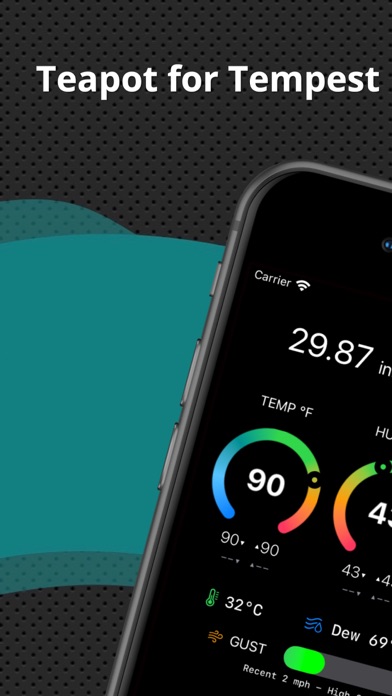
**** — The vector-graphics shooter from the arcade era gets a modern interpreter. Analog stick control lets you aim and position with the fluidity the original cabinet demanded. The difficulty curve is steep but fair, and the visual feedback is clean enough to read at speed. MFi support is flawless. If you’ve ever wanted to understand why arcade-era controls matter, this game teaches it.
Space and Sci-Fi Games
Galaximus
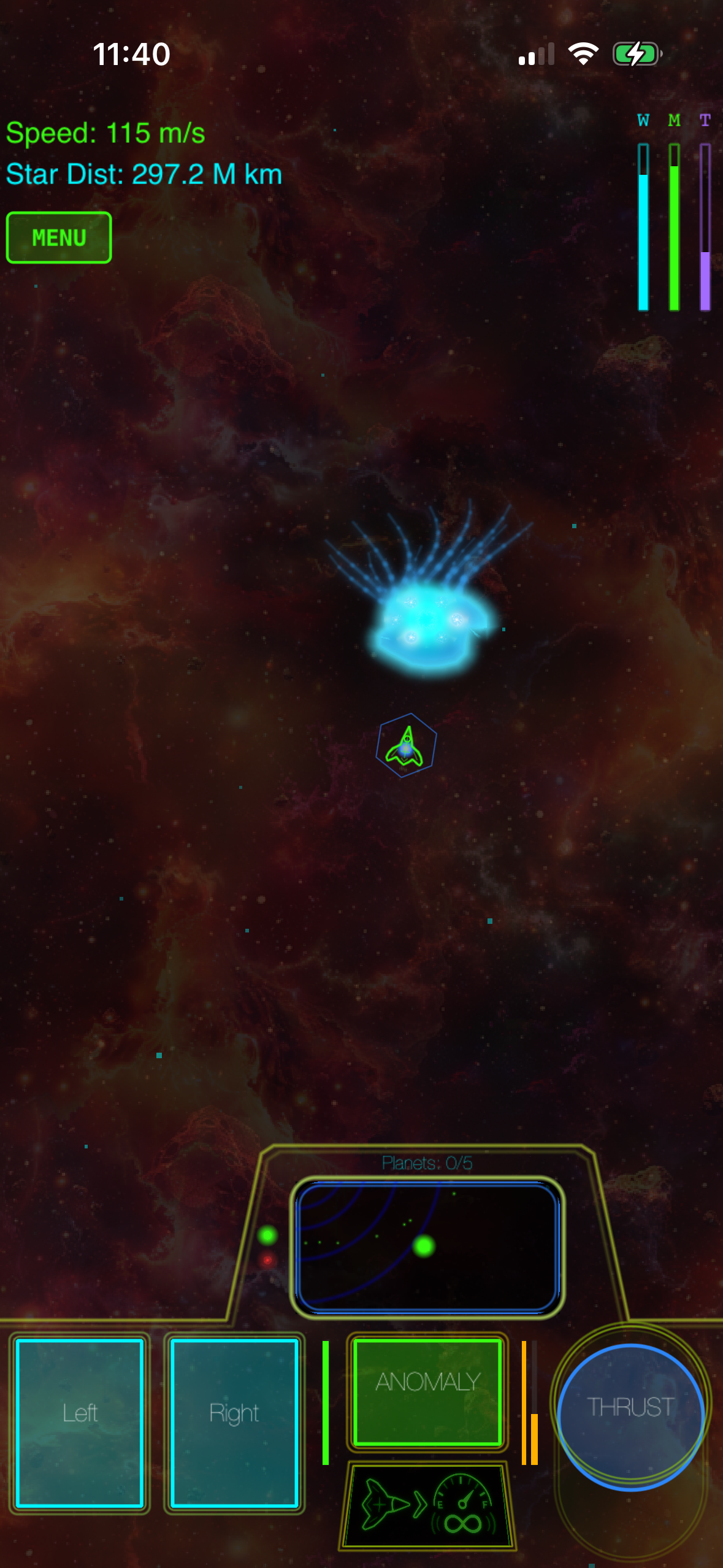
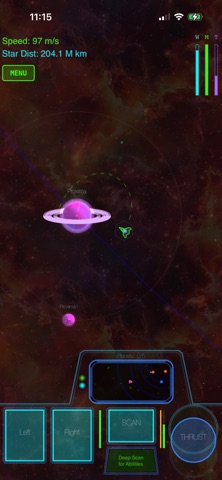
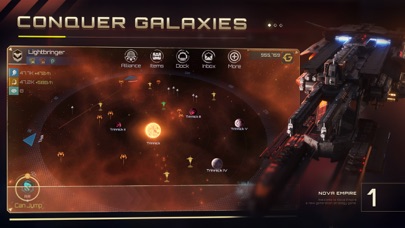
**** — A space-action game built around real orbital mechanics — the kind where positioning, velocity, and gravity matter more than reflexes alone. Controller support is native to the design; the analog sticks handle rotation and thrust with the precision that orbital play demands. The visual language is minimalist and clean, and the game respects your time: no ads, no IAP, no progression walls. Craft-built from the physics engine up.
Escape Velocity: Nova
**** — A space-trading sim with real depth. You buy a ship, upgrade weapons and cargo hold, take missions, and navigate a galaxy full of factions and conflict. Controller support works well for menu navigation and combat, though some players still prefer touch for the map interface. The game is genuinely large — easily 40+ hours of content — and every system is complete. One purchase, forever access.
Roguelike and Tactical Games
Hades
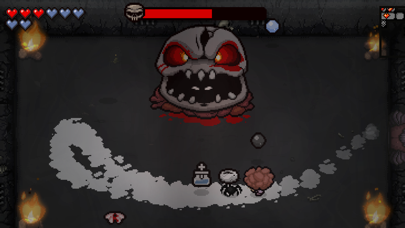
**** — Supergiant’s action-roguelike is a masterclass in craft. Every weapon feels distinct, every run teaches you something, and the controller support is so polished it feels like the game was designed for a gamepad first. Runs average 20-30 minutes, but the narrative unfolds across dozens of runs, rewarding persistence without punishing failure. Expect 30-40 hours to see most of the story. It’s premium-tier pricing, but the depth justifies every penny. Zero ads, zero IAP, zero compromises.
Into the Breach
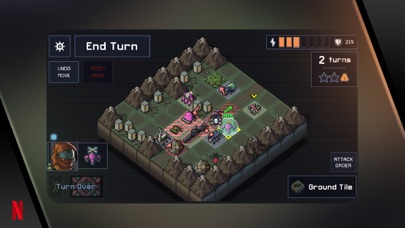
**** — Turn-based tactical combat where you see enemy moves before you act. Controller support is excellent for navigating the grid and planning moves. Runs are short (20-30 minutes), but the variety in enemy types and your mech loadouts means no two runs feel identical. Expect 8-12 hours to completion, with replayability built in. The game rewards patience and foresight over reflexes, and every level is solvable if you understand the system. Genuinely complete, genuinely premium.
Craft-Built Indie Titles
Unpacking

**** — A puzzle game about moving into spaces and arranging your belongings. It sounds simple because it is — but the craft is in the details. Each level tells a story through object placement, and the controller support lets you navigate and rotate items with intuitive analog-stick control. No timers, no pressure, just meditative problem-solving. Completable in 2-3 hours. One purchase, no ads, no IAP.
Kentucky Route Zero
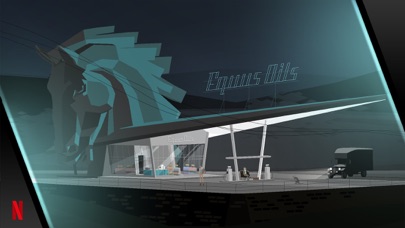
**** — A narrative adventure built on a simple driving mechanic and gorgeous minimalist art. Controller support is native, and the pacing respects your time. The story unfolds across acts, each revealing layers of character and meaning. Expect 4-6 hours across all episodes. It’s not a “game” in the traditional sense — there’s no fail state, no combat, no progression mechanics. It’s an experience, and it’s one of the most carefully crafted games on iOS.
How to Check Controller Support
Not every premium game lists MFi support clearly. If you’re unsure whether a game you own supports controllers:
- Check the App Store listing — scroll to “Game Controller” in the description. If it says “MFi controller support,” you’re good.
- Check Settings > General > Game Controller on your device. If a game appears in the list, it’s controller-aware.
- Test it. Pair your MFi controller and launch the game. If the on-screen buttons disappear and the controller responds, it’s native support.
Some games support controllers but don’t advertise it heavily. Reading user reviews on the App Store often surfaces this information.
FAQ
What’s the difference between MFi and standard controllers?
MFi (Made for iPhone) controllers are certified by Apple to work natively with iOS. They pair instantly and work across hundreds of games. Standard Xbox or PlayStation controllers won’t work with iOS unless the game specifically codes for them — which is rare. Stick with certified MFi controllers for reliability.
How do I know if my iPhone supports MFi?
Any iPhone running iOS 14.5 or later supports MFi controllers. Some newer games demand iOS 16+. Check the App Store listing for your specific device. If you’re on an older iPhone, you may need to stick with older games that still support your OS version.
Do these games require an internet connection?
Most are fully playable offline. Escape Velocity: Nova, Into the Breach, Unpacking, and Asteroids Plus work completely offline. Hades and Galaximus don’t require internet but may have optional online features. Check the App Store listing if offline play is critical for you.
Why is premium-tier pricing higher on iPhone than on console?
Distribution costs, developer revenue splits, and audience size all factor in. An iPhone premium game at mid-tier pricing often has a smaller audience than a console equivalent, so the per-unit price is higher to justify development. It’s not always fair, but it’s the market reality.
Can I refund a game if controller support doesn’t work as advertised?
Apple’s refund policy is strict but fair. If you request a refund within 14 days of purchase and explain that controller support doesn’t work, you have a reasonable case. Always test on your specific device before the refund window closes.
Closing Notes
The premium, ad-free, controller-compatible segment of the App Store is small but solid. These games prove that iOS can host genuinely craft-built experiences when developers commit to quality over monetization. If you’re tired of energy timers and ad breaks, this list is a starting point. Each game here respects your time and your money — and that’s rarer than it should be.