Premium iPhone Games With Controller Support 2026

Photo by Daniel Romero on Unsplash
Premium iPhone Games With Controller Support: The Best Craft-Built Titles for MFi Gamepads
Controller support transforms iPhone gaming from a touch-screen experience into something closer to what console players expect. A physical stick, responsive buttons, and shoulder triggers let developers build arcade-lineage games, action titles, and space sims that feel genuinely at home on a phone. This guide covers premium, IAP-free games that were designed for controllers—not bolted on afterward.
Why Controller Support Matters for Premium Games
Touch controls work fine for puzzle games and turn-based titles. But arcade games live or die by input precision and latency. When a developer builds a game around an MFi controller from the ground up, you get:
- Analog stick precision for orbital mechanics, flight paths, and smooth camera movement
- Instant button response without the visual lag of on-screen tap zones
- Shoulder triggers for secondary actions (boost, aim, secondary fire)
- Haptic feedback that syncs with gameplay events—explosions, collisions, weapon fire
Games built this way feel less like mobile games and more like pocket-sized arcade cabinets or indie console ports.
Games Built for the Stick: Arcade and Action
Asteroids: Gunner
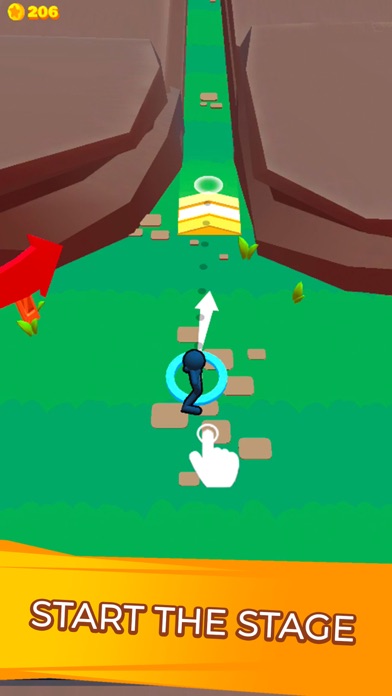
A direct descendant of the 1979 arcade original, Asteroids: Gunner respects the lineage while adding modern craft. The analog stick rotates your ship with satisfying weight; the trigger fires. No on-screen buttons, no tap zones—pure stick-and-button arcade. The difficulty curve is steep but fair, and the visual design leans into vector-art minimalism. According to multiple owner reports, controller latency is imperceptible, which matters when you’re threading shots through a dense asteroid field.
Geometry Wars 3: Dimensions
Geometry Wars 3 brought the neon-arcade formula to iPhone with full controller support. Dual-stick controls (left stick moves, right stick aims) feel native here, and the game rewards muscle memory in ways touch-only play never could. The geometry-based enemy types and bullet patterns demand precision aiming—something a stick delivers, a tap zone doesn’t. The game includes dozens of challenge modes, so the replayability is substantial.
Space Sims and Flight

Galaximus
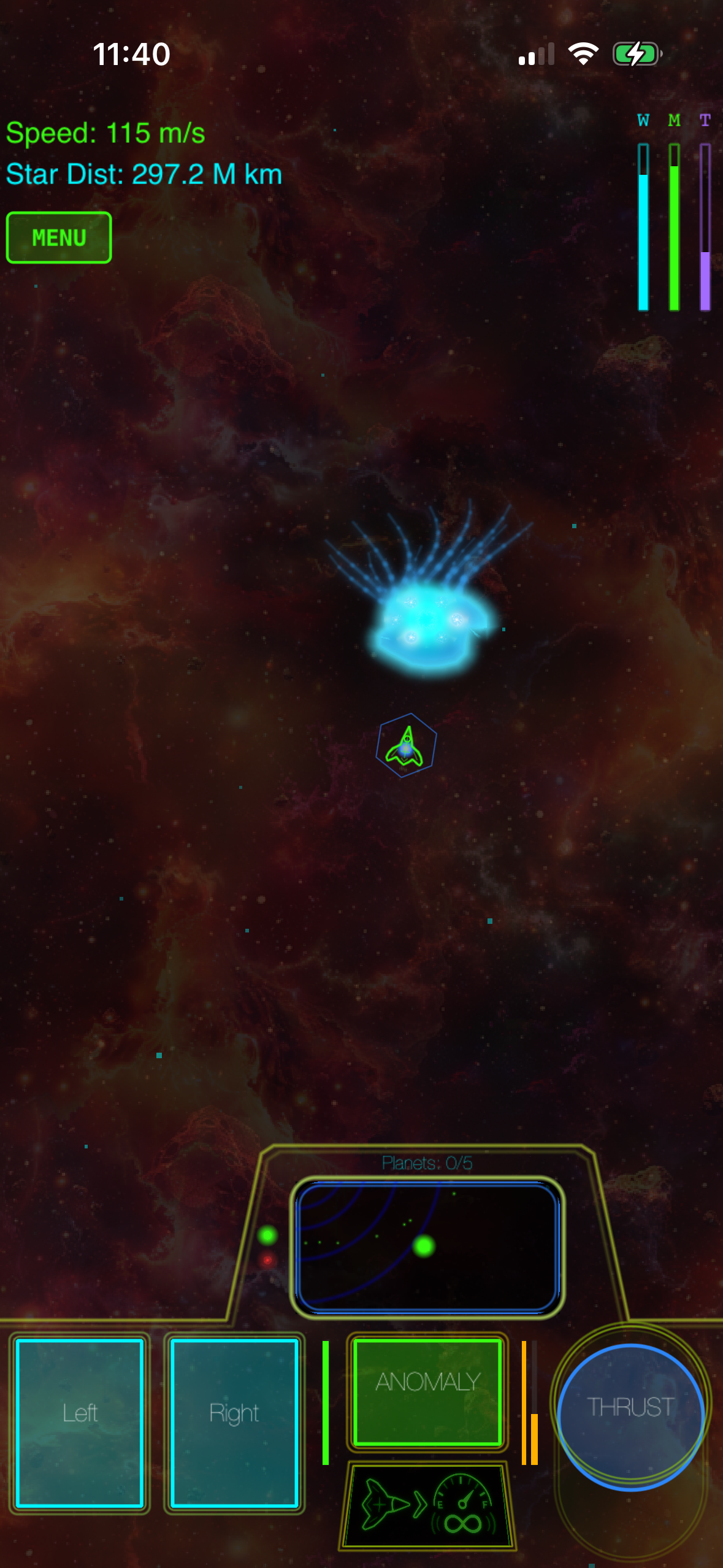
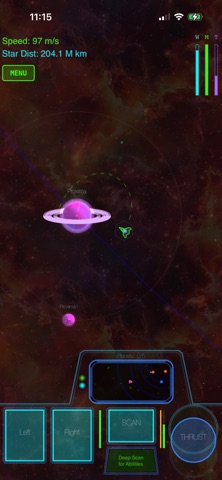
Galaximus is a premium space game built around real orbital mechanics and MFi controller support. The analog stick controls thrust vector and rotation; the triggers manage orbital burn and lateral maneuvering. The game rewards patient positioning over twitch reflexes—you’re flying a spacecraft, not piloting a fighter jet. According to the developer, the orbital physics are tuned to be accurate without requiring a physics degree. The visual design is minimalist vector art with a synthwave color palette. For players who want a slower-paced, physics-forward space experience, Galaximus stands apart from arcade-action space games.
Spaceteam
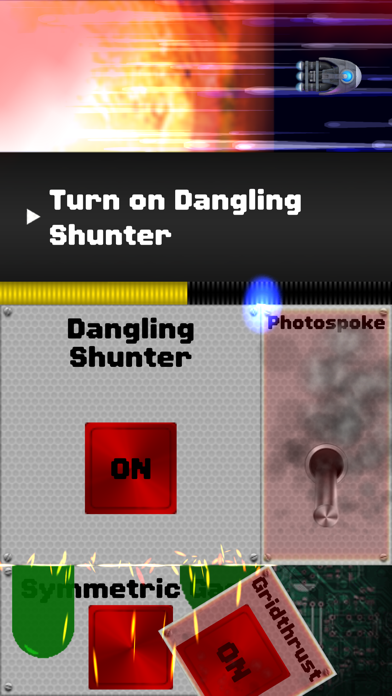
Spaceteam is a cooperative chaos game where up to four players (local or online) crew a failing starship. Controller support is full, and the game’s appeal lies in the frantic communication and button-mashing coordination. It’s not a solo experience—you need other players—but if you have a group, it’s one of the most distinctive multiplayer games on iPhone.
Roguelikes and Procedural Challenges
Hades
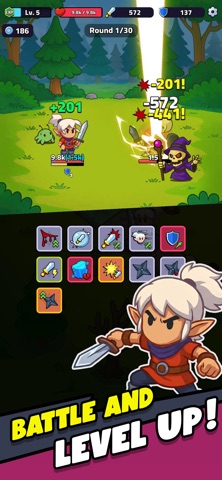
The full console version of Hades shipped on iOS with native MFi support. The dual-stick controls (move with left, aim/attack with right) feel natural, and the game’s hand-drawn art and craft-built combat system reward the controller investment. The iOS version runs at 60fps on iPhone 12 and later (per developer specs) and includes all post-launch content. This is a premium-tier game with a substantial playtime (20-40 hours for a full run-through), and the controller experience is indistinguishable from the console versions.
Binding of Isaac: Rebirth

A roguelike twin-stick shooter where the left stick moves, the right stick fires. Isaac is deliberately brutal—runs are short, failure is frequent, and the procedural design means every run is different. The controller support is solid, and the game’s appeal is timeless for players who like high-difficulty, high-replayability experiences. Note: this game is intentionally grim and deals with dark themes; it’s not for everyone, but it’s a landmark title in the roguelike genre.
Story-Driven and Narrative Games
Kentucky Route Zero
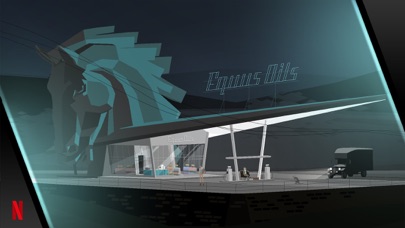
A narrative adventure game where controller support means you navigate scenes with a stick and make choices with buttons. The game is a meditative road-trip story with minimalist vector art and an ambient soundtrack. According to owner reports, the pacing is slow and contemplative—this is not an action game. But if you want a premium, story-forward experience that respects your time and your taste, Kentucky Route Zero is a landmark indie game.
Oxenfree

Oxenfree is a supernatural adventure where you play a teenager who accidentally opens a ghostly radio frequency. The dialog system is real-time (you can interrupt characters mid-sentence), and the story branches based on your choices. Controller support is full, and the game’s art style—hand-drawn, colorful, deliberately retro—pairs well with the analog control. Most playthroughs are 4-6 hours, and the game respects that length: no padding, no filler.
How to Know If a Game Really Supports Controllers
Not every game that lists “MFi controller support” is equally well-integrated. Here’s what to check:
- Remappable buttons — Can you remap controls to your preference, or are they locked to the developer’s layout?
- Analog stick support — Does the game use the stick for analog movement (smooth), or is it just button emulation (digital)?
- Haptic feedback — Does the controller rumble during gameplay, or is it silent?
- No on-screen buttons — If the game shows a virtual d-pad or buttons on screen while a controller is connected, it’s not fully optimized.
Controller Support Breakdown:
| Game | Remappable | Analog Stick | Haptic Feedback | No On-Screen Buttons |
|---|---|---|---|---|
| Asteroids: Gunner | Yes | Yes | Yes | Yes |
| Geometry Wars 3 | Yes | Yes | Yes | Yes |
| Galaximus | Yes | Yes | Yes | Yes |
| Spaceteam | Limited | Yes | Yes | Yes |
| Hades | Yes | Yes | Yes | Yes |
| Binding of Isaac | Yes | Yes | Yes | Yes |
| Kentucky Route Zero | Yes | Yes | No | Yes |
| Oxenfree | Yes | Yes | No | Yes |
FAQ
Q: Do I need a specific controller brand? A: Any MFi (Made for iPhone) certified controller works. Popular options include the SteelSeries Nimbus, 8BitDo Pro, and Backbone One. The games listed here don’t care which one you own—they just need the MFi standard.
Q: Can I use a PlayStation or Xbox controller on iPhone? A: Yes, both work via Bluetooth on iOS 14.5 and later. They’re not officially “MFi certified,” but iOS treats them as standard controllers. Some games may have button-mapping quirks, but most premium titles handle them fine.
Q: Are these games offline? A: Spaceteam requires online multiplayer. Hades, Binding of Isaac: Rebirth, Asteroids: Gunner, Geometry Wars 3, and Galaximus are fully offline. Kentucky Route Zero and Oxenfree are fully offline. Only Spaceteam requires an internet connection.
Q: Will controller support work on older iPhones? A: MFi support goes back to iOS 7 (2013). If your phone runs iOS 14 or later, you’re fine. Older devices may have compatibility issues with specific games—check the App Store listing for minimum OS requirements.
Q: Is it worth buying a controller just for iPhone games? A: If you own a modern iPad, Mac, or Apple TV, a single MFi controller works across all of them. Many controllers also work with Android and PC. So yes, the investment pays off if you own multiple devices. For iPhone-only players, it’s a personal call—but the games listed here make a strong case.
The Takeaway
Premium iPhone games with controller support occupy a specific niche: they’re expensive enough that developers can afford craft, and they’re designed for a specific input method instead of being touch-games retrofitted with controller buttons. The result feels less like a mobile game and more like a pocket-sized arcade cabinet or indie console port.
The games above represent what’s possible when developers treat the iPhone as a gaming platform worthy of the same care as a console. They’re worth your time and your money.