iPhone Games with Vector Graphics: Minimalist Premium Design
iPhone Games with Vector Graphics: Why Minimalist Design Dominates Premium Mobile Gaming
Vector graphics aren’t just an aesthetic choice on iPhone—they’re a philosophy. Clean lines, flat color palettes, and scalable geometry let developers strip away visual noise and focus on what matters: responsive controls, readable feedback, and mechanics that breathe. The best premium iPhone games with vector graphics prove that you don’t need photorealistic textures or particle effects to make something feel alive.
This is the design language of craft-built indie games in 2026. It’s also the language of games that age well, run smoothly on older hardware, and feel intentional rather than decorated.
What Makes Vector Graphics Work on iPhone
Vector-based games scale perfectly across screen sizes without pixelation or performance loss. A line drawn at 1pt renders the same whether you’re playing on an iPhone SE or a Pro Max. That clarity matters when your game’s feedback loop depends on reading a trajectory, a collision, or a score change in a fraction of a second.
The minimalist aesthetic also serves a practical function: it reduces cognitive load. When the screen isn’t crowded with particle effects, bloom, and layered UI chrome, your brain processes the core game state faster. You see the threat, the opening, the next move.
Vector-Graphic Games Worth Buying in 2026
Arcade Action with Vector Precision
Threes! (, App Store) A number-sliding puzzle that uses vector grid lines and clean typography to make the sliding mechanic instantly readable. Each tile is a flat color with bold numerals. No visual noise—just the puzzle and your strategy. Runs smoothly on any iPhone.
Crossy Road (, App Store) An endless arcade-action game built entirely in voxel-based vector style (blocky geometric shapes rather than curves). The minimalist 3D aesthetic creates surprising depth while maintaining the clarity of vector design. No ads, no IAP. Plays smoothly on iPhone SE and newer.
Two Dots (, App Store) A minimalist puzzle where you connect dots on a grid. Vector circles, clean lines, and a color palette of six hues. The entire game’s visual language serves the mechanic: connect dots, clear lines, advance. Premium version available removes ads.
Mini Metro (, App Store) A subway-design game where you draw vector lines to connect stations. The entire game is geometric shapes—circles for stations, lines for routes, minimal typography for station names. Runs at 60 FPS on all iPhones because vector rendering is lightweight.
Minimalist Puzzle and Brain-Teaser Games
Monument Valley (, App Store) An isometric puzzle game built with vector-inspired geometry and pastel colors. Each level is a navigable vector-based environment. No timers, no ads, no IAP. The visual design—clean lines, minimal color palette, geometric shapes—is inseparable from the puzzle logic.
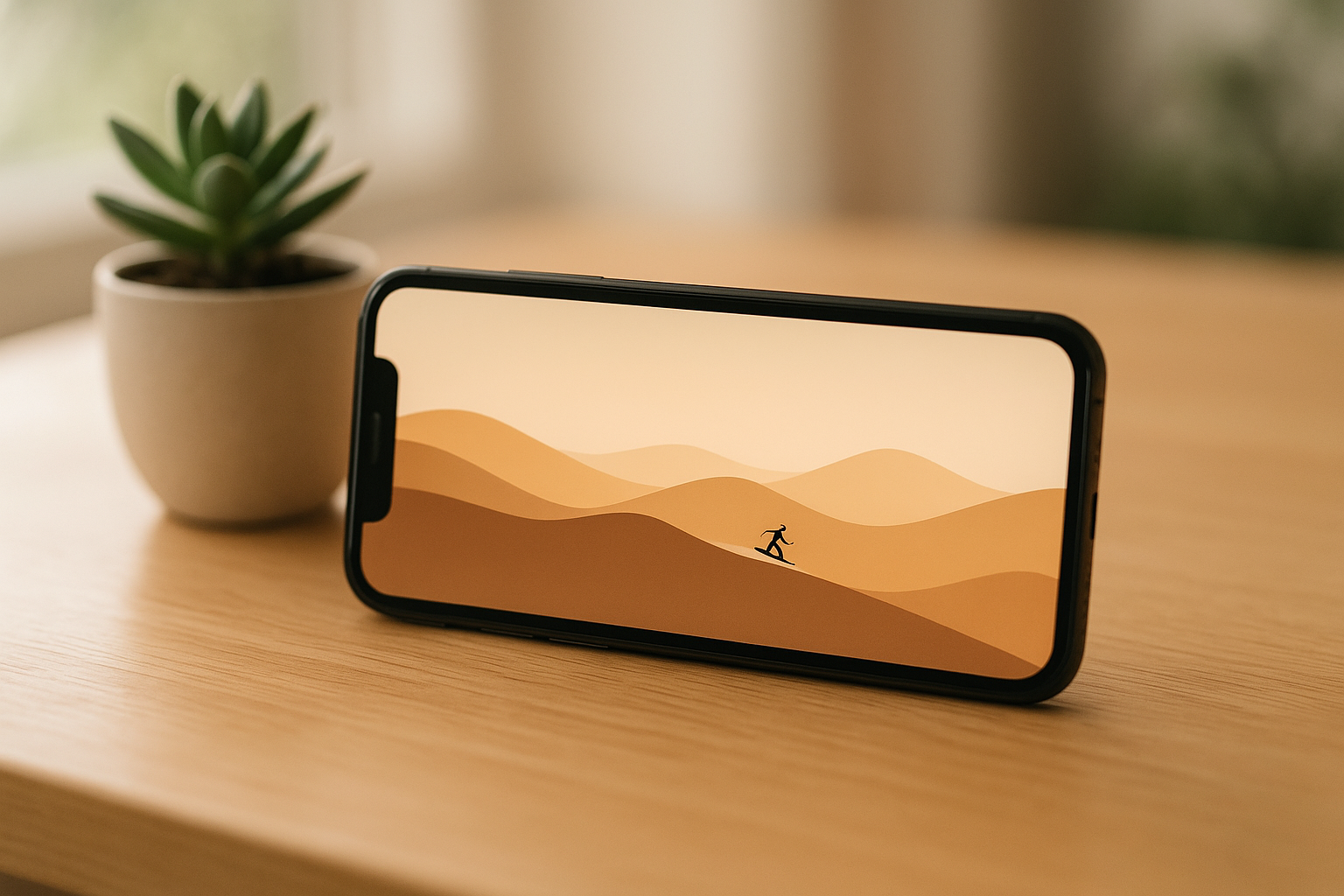
Alto’s Adventure (, App Store) An endless runner with a minimalist vector landscape. Consistent line weight in the hills, flat colors for sky and terrain, simple silhouettes for obstacles. The vector aesthetic creates a meditative feel while keeping frame rates high across all devices.
Dots (, App Store) A word-puzzle game where you connect letters on a grid. Vector typography, minimal UI, flat color background. Timed rounds (60 seconds) create arcade-like tension in a puzzle context. No ads or IAP in the base game.
Letterpress (, App Store) A word-tile game with vector-based letter tiles and a clean grid. Typography is the primary visual element. Multiplayer or single-player. Runs efficiently because the rendering load is minimal.
Space and Sci-Fi Games
Asteroids+ (, App Store) A modern take on the classic vector arcade game Asteroids. Geometric shapes (polygonal rocks, vector ship), neon color palette, clean line-based graphics. Plays at high frame rates because it uses the same rendering principles as the 1979 arcade original.
Geometry Wars 3: Dimensions (, App Store) A bullet-hell arcade game with vector-based geometry, neon colors, and fast-paced action. The vector aesthetic enables 60 FPS gameplay even with hundreds of projectiles on screen. Supports MFi controllers.
Lunar Flight (, App Store) A space-flight simulator with vector-based graphics. You pilot a spacecraft across lunar terrain rendered in clean geometric shapes. No ads, no IAP. The vector design keeps the frame rate stable during intense flying sequences.
Retro-Styled Games Done Right
Pac-Man 256 (, App Store) A modern Pac-Man variant using vector-based character design and minimalist maze layouts. Supports offline play. No ads or energy timers in the premium version.
Breakout: Recharged (, App Store) A paddle-and-ball game with vector-based bricks, paddle, and ball. Neon color palette, clean geometric shapes, responsive controls. Plays at 60 FPS on all devices.
Why Vector Graphics Matter for Game Feel
Responsiveness: Vector rendering requires less GPU processing than textured 3D graphics. According to Apple’s Metal documentation, vector-based 2D rendering can achieve 60 FPS on iPhone SE and older devices, while equivalent textured 3D scenes may drop to 30 FPS. That headroom translates to lower input latency.
Readability: A vector-based game’s visual hierarchy is usually clear. Important game state is communicated through size, color, and position. Noise is absent.
Scalability: A vector game designed for iPhone SE plays identically on iPhone Pro Max. No UI elements vanish off-screen, no critical feedback becomes too small to read.
Timelessness: Vector graphics age better than texture-based games. Alto’s Adventure (2013) looks as intentional today as it did on release; photorealistic mobile games from 2020 already look dated.
Spotting Quality Vector Design
- Intentional color palettes. Alto’s Adventure uses three colors (sky, ground, character) to create contrast and guide attention. Monument Valley uses a pastel palette of five colors deliberately chosen to communicate depth.
- Readable typography. Mini Metro’s station labels are rendered in a sans-serif font sized for legibility at all screen sizes. No thin fonts that disappear on smaller screens.
- Consistent line weight. Alto’s Adventure maintains consistent stroke weight in its landscape hills. Geometry Wars uses uniform line thickness for geometric shapes.
- Responsive feedback. Threes! responds to tile slides with immediate visual movement. No lag between input and on-screen change.
- No decoration that doesn’t communicate. Monument Valley’s geometric shapes serve navigation and puzzle logic. There are no ornamental flourishes.
Price Range and Where to Buy
Most vector-based premium games on iPhone range from ** to ** and are purchased once from the App Store—no ads, no in-app purchases. A few premium titles (Geometry Wars 3, Crossy Road) reach but remain IAP-free. All titles listed above are available on the App Store and work offline after download.
FAQ
What’s the cheapest vector game on the App Store? Threes! and Dots are both. Asteroids+ is. These are one-time purchases with no ads or IAP.
Do vector games work offline? Yes. All vector games listed above work offline after download. No internet connection required to play.
Do vector-graphic games perform better on older iPhone models? Yes. Vector rendering is less demanding than texture-based 3D graphics. Mini Metro runs smoothly on iPhone SE; equivalent textured games may drop frames on older hardware.
Can vector games look visually interesting, or are they always flat and boring? Vector games can be visually striking. Monument Valley uses layered depth and isometric perspective. Geometry Wars uses neon colors and dynamic animation. The constraint of vector geometry doesn’t limit creativity—it focuses it.
Do vector-based games support controller input? Many do. Geometry Wars 3 and Crossy Road support MFi controllers. Check individual App Store listings; controller support varies by title.
The Bottom Line
Vector graphics on iPhone aren’t a compromise or a retro affectation—they’re a deliberate design choice that enables responsive, readable, and timeless games. The best premium iPhone games using vector design prove that visual restraint and mechanical clarity aren’t opposites; they’re partners.
If you’re tired of visual clutter and energy timers, the games listed above are where to start. All are one-time purchases, IAP-free, and built by developers who respect your time and your hardware.


