Premium iPhone Games Under $10 With Gamepad Support

Photo by Kamil Switalski on Unsplash
Premium iPhone Games Under $10 That Play Best With a Controller
If you’ve got an MFi controller sitting in a drawer, your iPhone has a collection of complete games waiting for you—and you don’t need to spend more than a coffee to unlock them. The sweet spot for premium, controller-friendly iPhone games is the range: titles with real craft, no ads interrupting play, and no energy timers gating progression. This is where indie developers ship finished work and where arcade lineage still means something.
Why Controller Support Changes Everything on iPhone
An MFi controller transforms how iPhone games feel. Thumbstick precision beats on-screen joysticks for any game requiring fine positioning or sustained movement. Button mapping lets developers design for real input—no virtual d-pad fighting your thumb for screen real estate. Games built with controller-first intent feel fundamentally different: tighter, faster, more responsive.
Most premium iPhone games were designed with controller support baked in from day one. They’re not ports awkwardly adapted to touch; they’re titles where the developer thought about how a player with a controller in hand would experience every mechanic. That’s the difference between a game that tolerates controllers and one that expects them.
Arcade-Lineage Games With Real Controller Feel
Asteroids: Recharged
Asteroids: Recharged strips the concept to its essence: rotation, thrust, shooting, and inertia. The developer kept the vector-graphics clarity of the 1979 original and added modern visual polish—neon trails, screen-edge glow, satisfying destruction feedback—without breaking the core loop. With a controller, the rotation and thrust feel immediate; the game rewards patient positioning over button mashing. The difficulty curve ramps thoughtfully, and there’s no IAP or energy system interrupting runs. The controller implementation is tight enough that players describe it as the best way to play Asteroids on any mobile platform.
Descent

Descent is a 3D tunnel-flight game where you pilot a ship through narrow corridors, dodging obstacles and shooting enemies. The control scheme demands a controller—analog stick for pitch/roll/yaw, triggers for weapons. The game respects inertia; momentum carries through turns, and careless input sends you into a wall. There’s no rewind, no assist mode, no checkpoint spam. It’s the kind of game that makes you feel like you’re flying rather than tapping targets. The visuals lean retro-industrial (metal corridors, warning lights), and the pacing stays brisk across multiple difficulty tiers.
Space and Sci-Fi Games Built for Controllers
Galaximus
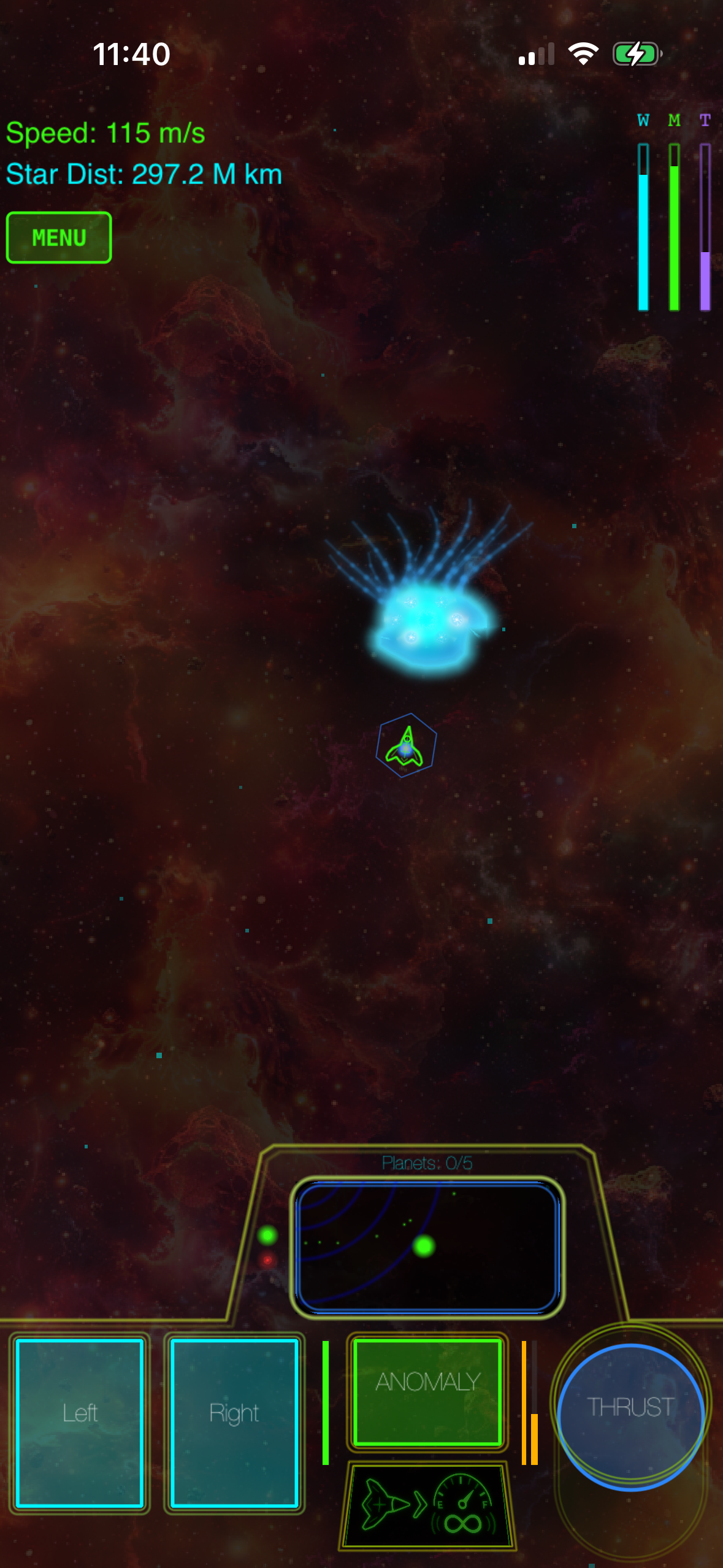
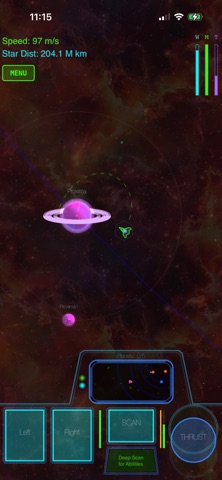
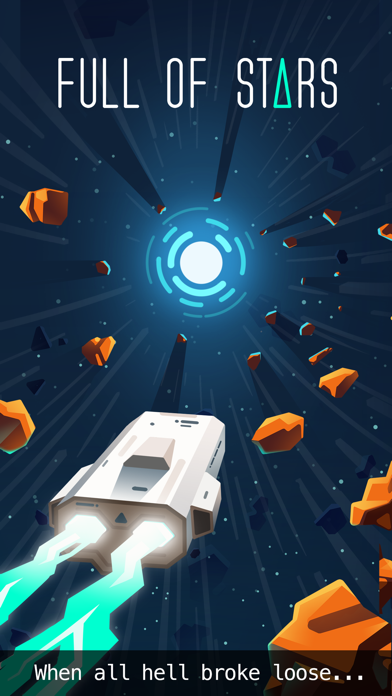
Galaximus models real orbital mechanics—gravity wells, velocity, trajectory planning. You don’t thrust toward a target; you plot a course that uses gravity to slingshot around planets and moons. The game rewards patience and spatial reasoning over reflexes. Controller support lets you adjust throttle and heading smoothly, and the physics respond to subtle input changes. The visual design uses clean vector graphics and a dark-space aesthetic. The developer claims this orbital mechanics model is the most physically accurate space-flight simulation on the App Store. If you want a game that makes you think about physics instead of just reacting to screen flashes, this is the benchmark.
Puzzle-Action Games Where Controller Precision Matters
Duet
Duet is a two-circle rotation puzzle: you control a pair of rings orbiting a center point, rotating them to navigate through obstacles. It sounds simple; it’s deceptively deep. The controller gives you analog-stick precision that touch controls can’t match—you can make micro-adjustments to rotation speed without overshooting. The difficulty progression is masterful: early levels teach the mechanic, later levels layer in moving obstacles, portals, and time pressure. No ads, no IAP, no narrative bloat. Just 40+ levels of increasingly clever puzzle-action.
Threes!
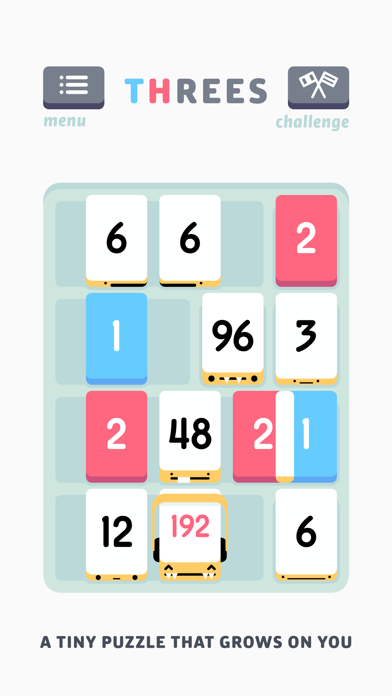
Threes! is a number-sliding puzzle where you combine tiles to build up powers of three. It’s a sibling to 2048 but with more elegant design and deeper strategy. Controller support lets you navigate the grid with directional input, which some players prefer to touch swiping. The game doesn’t punish you for a wrong move—there’s no timer, no energy, no “game over” state. You play until you can’t move, then you reflect on your strategy and try again. It’s meditative, not stressful. The craft is in the balance: every tile weight is tuned so that no single strategy dominates.
Roguelike and Narrative Games Under $10
Hades
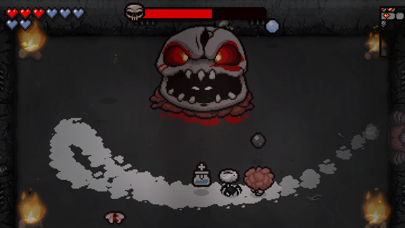
Hades is a roguelike action game set in Greek mythology. Each run, you fight through rooms of enemies, collecting weapons and power-ups, until you die (and you will die—that’s the point). Each death unlocks story dialogue, character development, and permanent upgrades that make subsequent runs easier. The controller support is full: analog stick for movement, buttons for attack/special/cast. The art direction is gorgeous—hand-drawn characters, smooth animations, satisfying combat feedback. Hades is the best roguelike on iOS and the one that most justifies controller investment. The story unfolds across dozens of runs, so there’s narrative pull alongside mechanical progression.
Dead Cells
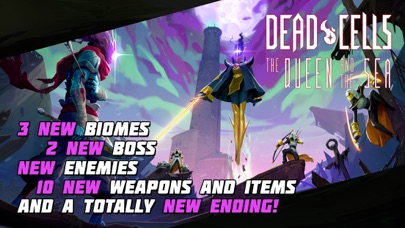
Dead Cells is a roguelike action-platformer with fluid movement and weapon variety. You explore a procedurally-generated castle, collecting weapons and abilities, dying, and unlocking permanent upgrades. The controller support is tight: movement, jump, attack, special ability, all mapped to buttons with analog precision for movement. The art style is pixel-art with modern visual effects (lighting, particle systems, screen shake). The controller implementation is significantly tighter than the touch version. If you like action games where skill and positioning matter more than grinding, Dead Cells delivers.
What Makes a Controller Game Worth $10
A premium iPhone game should ship complete: no energy timers, no ads, no “buy gems” popups. The controller support should feel intentional, not bolted on—analog sticks should respond smoothly, button mapping should match the game’s design, and the overall feel should be responsive.
The games listed here all meet that bar. They’re not free-to-play games with a price tag slapped on; they’re titles where the developer finished the work, shipped it, and moved on. You own the game; there’s no subscription, no seasonal battle pass, no content locked behind a paywall.
Checking Controller Compatibility Before You Buy
Before purchasing any game, check the App Store listing for the “Requires controller” or “Supports controller” note. Most premium games will say “Works with MFi controllers.” If a listing doesn’t mention controller support, it likely doesn’t have it—or it’s been added as an afterthought and may not feel polished.
Choosing Between MFi Controllers
The most common MFi controllers are the 8BitDo Pro 2 (, Xbox-style button layout, works with iPhone, iPad, Mac, and Switch) and the Backbone One (, PlayStation-style layout, iPhone-specific design with integrated Lightning connector). Both work equally well with iPhone games. Choose based on button layout preference: Xbox-style if you’re familiar with Xbox controllers, PlayStation-style if you prefer that ergonomic feel. The 8BitDo Pro 2 offers better value and cross-platform compatibility; the Backbone One integrates directly with iPhone but costs more and locks you into iOS.
FAQ
Will my Xbox controller work with iPhone 15? No. Xbox controllers use proprietary wireless protocols. You need an MFi-certified controller. The 8BitDo Pro 2 uses standard Bluetooth and works with any MFi-compatible device.
Do these games support cloud saves? Most do not. Hades and Dead Cells have local saves tied to your device. If you switch iPhones, you’ll need to manually transfer saves or start over. Check individual App Store listings for cloud save support before purchasing.
Can I use a PlayStation 5 controller with iPhone? No. PS5 controllers don’t support MFi certification. You need an MFi-certified controller like the 8BitDo Pro 2 or Backbone One.
Are there free games with controller support? Yes, but they typically include ads or IAP. This article focuses on premium (ad-free, IAP-free) games because that’s where controller support tends to be most polished.
What if a game I want doesn’t have controller support? You can still play it with touch controls. Controller support isn’t mandatory—it’s a quality-of-life improvement. But for action games and arcade titles, it makes a meaningful difference in responsiveness.
How often do games get controller support added? Occasionally, but it’s rare for a game to ship without it and add it later. If controller support matters to you, check the listing before buying.
The Takeaway
Premium iPhone games with controller support represent the best of iOS indie craft: developers who finished their work, shipped it complete, and trusted players to value quality over free-to-play mechanics. An MFi controller in hand unlocks games that feel like console experiences—tight, responsive, designed with intent. If you’ve got a controller and haven’t explored this library, you’re missing some of the best gaming value on the App Store.


