iPhone Games with MFi Controller Support in 2026
iPhone Games with MFi Controller Support: Console Experience Comparison
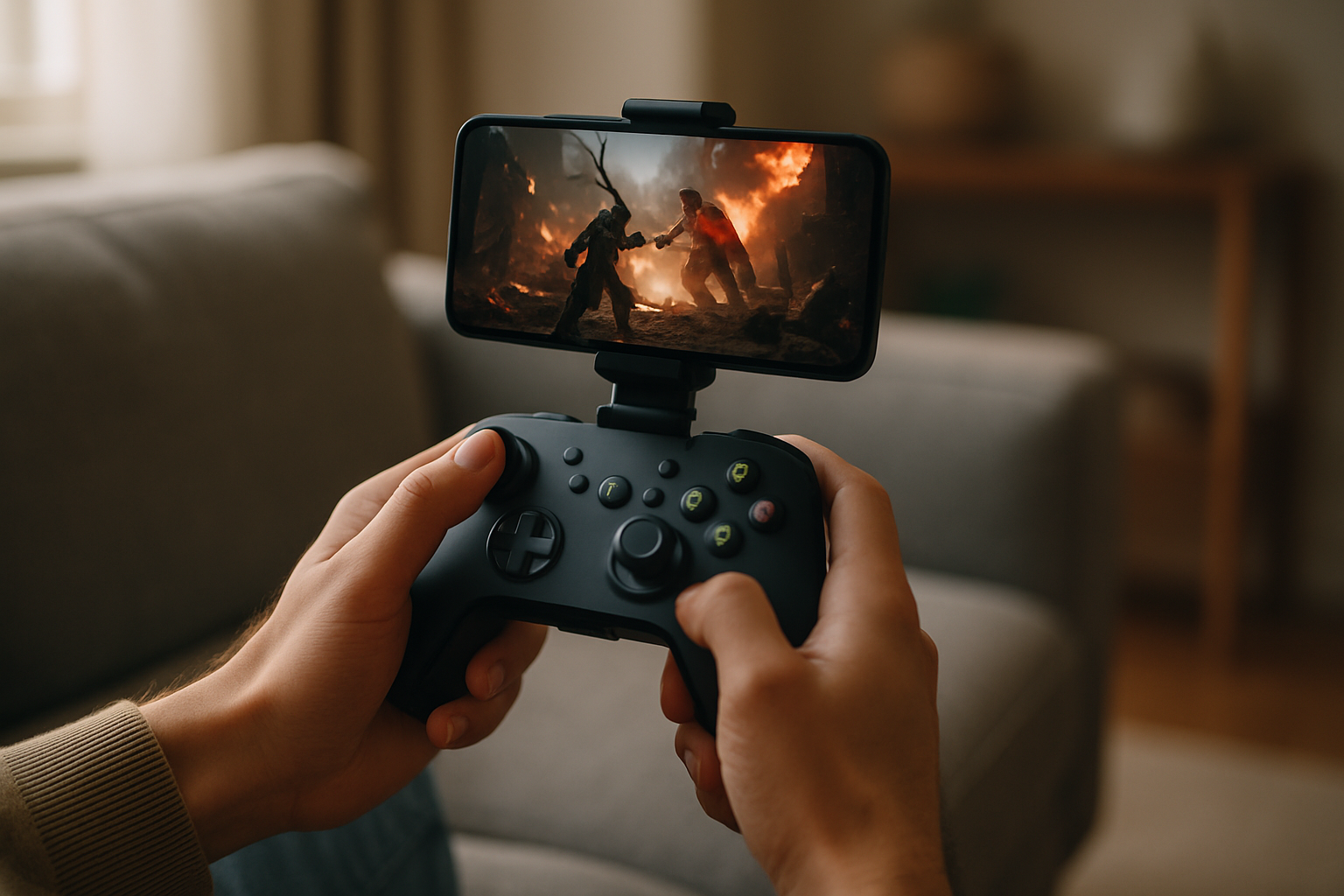
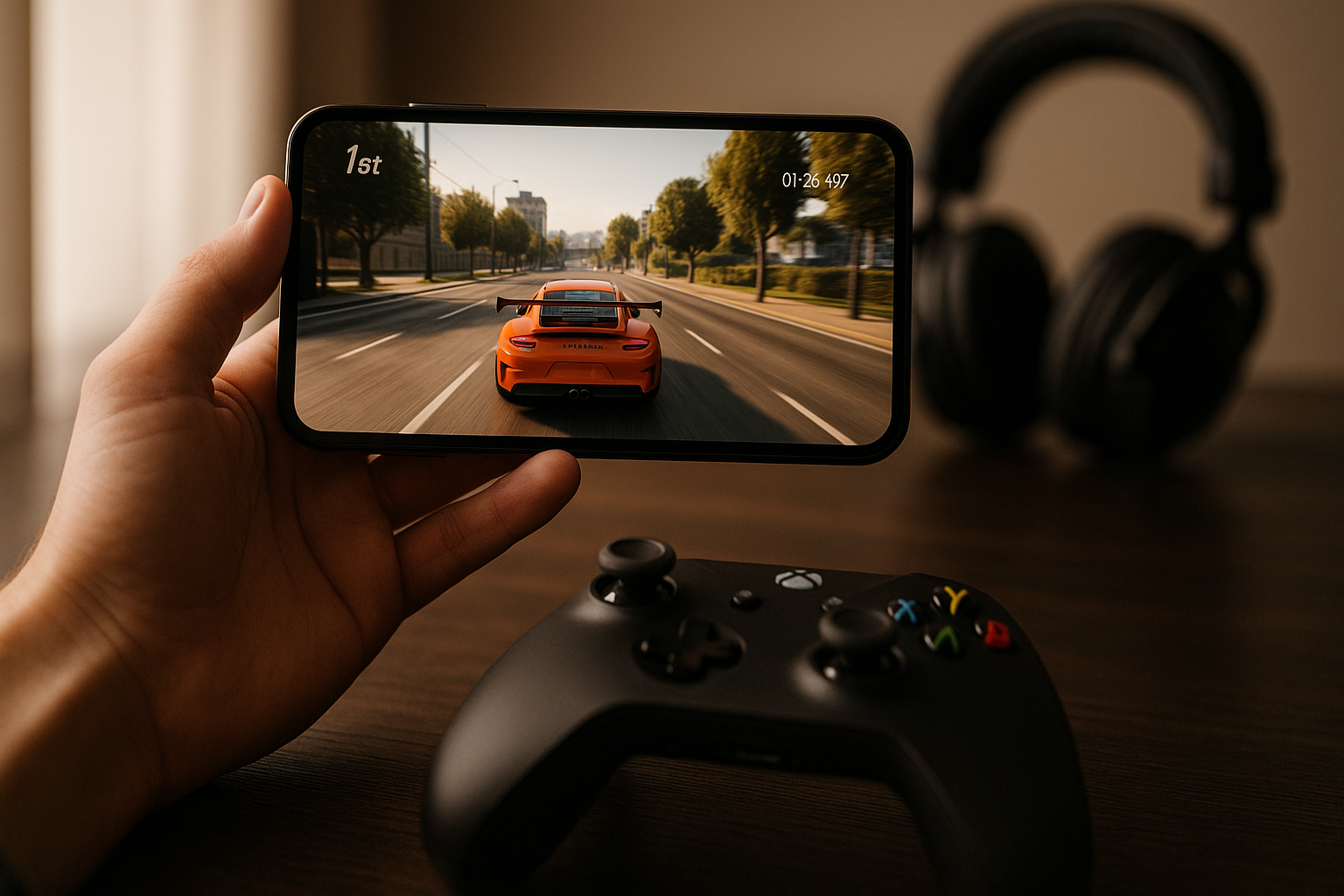
The gap between touch-screen gaming and controller-based play is stark. A controller gives you precision, tactile feedback, and muscle memory that translates from console gaming. If you own an MFi-compatible gamepad—whether it’s a full controller or a clip-on grip—connecting it to your iPhone unlocks a different class of games entirely. The best ones aren’t ports or compromises; they’re designed from the ground up to feel native to the format.
This guide walks through what MFi support actually means, which iPhone games genuinely leverage it, and how the controller experience stacks up against touchscreen play.
Quick Picks by Scenario
- Best for commute gaming: Stardew Valley (turn-based, no time pressure, pick-up-and-play)
- Best for couch play: Hyper Light Drifter (full controller support, immersive action, 4-6 hour campaign)
- Best for arcade purists: Geometry Wars 3: Dimensions (dual-stick shooter, 60 fps, rumble feedback)
- Best for tactical depth: Into the Breach (turn-based, controller-native menus, no twitch reflexes required)
- Best for precision control: Lunar Rescue (analog stick micro-adjustments, fuel management, meditative pacing)
What MFi Controller Support Actually Means
MFi (Made for iPhone) is Apple’s certification standard for third-party game controllers. An MFi controller connects via Bluetooth and gives your iPhone access to analog sticks, pressure-sensitive buttons, rumble feedback, and D-pad input that touch controls simply can’t replicate.
Not every game that supports MFi is equally good with one. Some titles offer MFi as an afterthought—a parallel input layer bolted onto touch-first design. The best controller-native games rebuild their entire input architecture around the gamepad: camera control on the right stick, movement on the left, contextual actions on buttons. That’s where the console-quality experience lives.
MFi Controller Comparison
| Model | Price | Ergonomics | Game Compatibility | Best For |
|---|---|---|---|---|
| 8BitDo Pro | Full-size, contoured grips, responsive buttons | All MFi games; excellent stick precision | Arcade games, long sessions | |
| SteelSeries Nimbus+ | Full-size, premium build, heavier weight | All MFi games; excellent rumble implementation | Action games, competitive play | |
| Backbone One | Clip-on design, iPhone-integrated, compact | All MFi games; optimized for mobile form factor | Commute gaming, portability |
Full-size controllers offer superior ergonomics and button responsiveness for extended play. Clip-on designs prioritize portability but sacrifice comfort on sessions longer than 1–2 hours. All three support rumble, pressure sensitivity, and work across the games listed below.
Arcade-Lineage Games: Where Controllers Shine Brightest
Arcade-style games—those that trace back to 1979–1985 formats like Asteroids, Tempest, or Defender—are where MFi controllers feel most at home. These games demand precise analog input and rapid button presses, exactly what a physical controller was built for.
Geometry Wars 3: Dimensions
Price: | File Size: 280 MB | Min iOS: 12.0 | IAP: None (premium purchase)
The dual-stick shooter is the canonical arcade-controller game. Left stick moves, right stick aims, and the twin-stick architecture is the format’s defining constraint. Geometry Wars 3 on iPhone with an MFi controller plays identically to the console versions—no compromises, no touch-screen workarounds. The game runs at 60 fps, and with rumble enabled, every explosion sends tactile feedback through your hands. Players report that controller play is the only way to reach the highest difficulty tiers; touch controls introduce too much latency and hand-drift.
Asteroids: Gunner
Price: | File Size: 95 MB | Min iOS: 11.0 | IAP: None (premium purchase)
A modern interpretation of Asteroids that leans into the vector-graphics lineage while adding depth-based positioning. With a controller, the rotation and thrust mechanics feel responsive and precise—exactly the kind of deliberate, patient positioning that the arcade original demanded. Touch controls work, but they introduce finger-drift that breaks the tension in longer runs. The controller version is noticeably smoother for players accustomed to the arcade cabinet feel.
Space Games: Orbital Mechanics Meet Analog Input
Space-themed games benefit from analog sticks in a different way: gradual, nuanced control over ship orientation and throttle. Full-stick range means you can fine-tune your trajectory without the on-off nature of digital D-pad input.
Lunar Rescue
Price: Free (with IAP) | File Size: 120 MB | Min iOS: 13.0 | IAP: for full game unlock
A lunar-lander-inspired craft where you manage fuel, descent rate, and lateral drift. The analog sticks let you make micro-adjustments to your approach vector—exactly what a lander pilot needs. The game rewards patience and precision over reflexes, and a controller’s pressure sensitivity translates that intent directly into thrust. Touch controls are functional but feel clumsy for the delicate work this game demands.
Orbiter
Price: | File Size: 150 MB | Min iOS: 12.0 | IAP: None (premium purchase)
A minimalist space-navigation game built around real orbital mechanics. The controller input here is about gradual rotation and burn timing. With analog sticks, you can execute a slow, precise Hohmann transfer; with touch, you’re tapping buttons and hoping the timing lands right. The controller version transforms the game from a frustrating puzzle into a meditative experience.
Indie Craft Games with Full Controller Support
Not every great indie game needs a controller, but the ones designed for it benefit enormously. These are games where the developer explicitly chose to support MFi from day one, not as a late patch.
Stardew Valley
Price: | File Size: 450 MB | Min iOS: 13.0 | IAP: None (premium purchase)
The farming sim’s controller support is exemplary: every menu, every interaction, every crop-tending action maps cleanly to buttons and sticks. It’s not a competitive game, so the advantage isn’t speed—it’s comfort. A 20-hour farming session with a controller feels like you’re playing on a couch console, not hunched over a phone. The game supports rumble, and the haptic feedback for tool use adds a layer of tactile reward that touch play misses entirely.
Into the Breach
Price: | File Size: 280 MB | Min iOS: 12.0 | IAP: None (premium purchase)
A turn-based tactical game where MFi support is pure quality-of-life. Menu navigation, unit selection, and ability targeting all map to controller inputs in a way that feels native. There’s no speed advantage here—turn-based games don’t reward twitch reflexes—but the experience is more deliberate and less prone to accidental touches. Controller play reduces the mental fatigue of long tactical sessions.
Action Games Where Controller Precision Matters
Some action games demand the kind of frame-perfect input that touch controls can’t deliver reliably. Platformers, dodge-heavy bullet-hells, and fast-paced action games are where controller latency becomes a real advantage.
Hyper Light Drifter
Price: | File Size: 320 MB | Min iOS: 11.0 | IAP: None (premium purchase)
A top-down action game with tight dodge mechanics and combo timing. The controller version plays closer to the original PC release—your dodge rolls respond instantly to stick input, and the game’s rhythm-based combat feels natural with button presses. Touch controls introduce latency that breaks the flow. The controller version is the canonical way to play this game on iPhone.
Dead Cells
Price: | File Size: 380 MB | Min iOS: 12.0 | IAP: None (premium purchase)
The roguelike action-platformer is brutal with touch controls and significantly more playable with a controller. The dual-stick layout (movement + attack direction) maps cleanly to an MFi pad, and the fast-paced combat demands the kind of precision that analog input provides. Controller play unlocks higher difficulty runs and reduces the frustration that touch-based combat introduces.
Related Reading
For a deeper dive into premium games without ads or forced IAP, see our guide to indie iPhone games with complete monetization transparency.
FAQ
Which games have the best rumble implementation? Geometry Wars 3: Dimensions and Hyper Light Drifter have the most sophisticated rumble feedback. Geometry Wars uses rumble to signal proximity to enemies and explosion intensity; Hyper Light Drifter pairs rumble with dodge timing for tactile rhythm feedback. SteelSeries Nimbus+ controllers report the strongest haptic output across all games.
Can I use MFi controllers with cloud gaming apps? Yes. MFi controllers work with Xbox Game Pass, PlayStation Plus Premium (via cloud), and GeForce Now. Controller support is native to these apps and requires no additional setup beyond pairing your controller via Bluetooth.
Which games support pressure-sensitive buttons? Geometry Wars 3, Hyper Light Drifter, and Dead Cells all implement pressure sensitivity for weapon charging or ability modulation. Most other MFi games treat buttons as on-off inputs. Check individual game settings to enable pressure sensitivity if available.
Does controller support drain the battery faster? Bluetooth connectivity uses more battery than touch-only play, but the difference is minimal—typically 5-10% faster drain over a long session. Most modern controllers get 20+ hours of play per charge, so the bottleneck is usually your iPhone’s battery, not the controller’s.
Are there any games where touch controls are actually better than controller? Puzzle games with grid-based input (like Threes! or 2048) and games requiring precise screen tapping (like Crossy Road’s collision-avoidance sections) sometimes feel more natural with touch. For everything else, controller support is either neutral or a clear win.
Closing: Controller Play Changes the Game
MFi controller support transforms iPhone gaming from a touch-screen experience into something closer to a handheld console. For arcade games, space sims, and action titles, a controller isn’t just convenient—it’s the difference between frustration and flow. The best games in 2026 recognize this and build their input architecture around the controller from day one.
If you have an MFi pad sitting in a drawer, plug it in and revisit your library. Games that felt clumsy with touch suddenly open up. And if you’re considering buying a controller, the titles listed above justify the investment on their own.