iPhone Games with MFi Controller Support: Best 2026

Photo by Indra Projects on Unsplash
iPhone Games with MFi Controller Support: Best Experiences
MFi controller support transforms iPhone gaming from thumb-wrestling with on-screen buttons into something that actually feels like playing a game. The difference isn’t cosmetic—a real gamepad gives you the precision and tactile feedback that arcade-style and action games demand. If you’ve got an MFi controller sitting in a drawer (or you’re thinking about picking one up), these are the premium iPhone games that justify the hardware investment.
The key constraint: most free-to-play titles on the App Store don’t bother with controller support, and the ones that do often gate the best experience behind battle passes or energy timers. The real gems are the pay-once games—titles where the developer built the controller experience into the core design rather than bolting it on as an afterthought.
Why MFi Controller Support Matters on iPhone
On-screen buttons work fine for turn-based games and puzzle titles. For anything that demands timing, spatial awareness, or sustained action—arcade games, space sims, action platformers—a physical controller removes the guesswork. Your thumbs stop blocking the screen. Analog sticks give you granular control instead of directional taps. Haptic feedback (on supported controllers) adds weight to every action.
The catch: iPhone game developers prioritize touch-first design because that’s where the volume is. MFi support is a deliberate choice, and it clusters in premium games where the economics support that choice. Free-to-play developers can’t afford to optimize for a hardware peripheral that maybe 5% of their audience owns.
What to Look For in Controller-Optimized Games
Not every game with MFi support is equally worth playing with a controller. The best ones do three things:
- Remap the entire interface. Menus, navigation, in-game controls—all accessible via the controller. No forced touch fallback mid-session.
- Respect the analog sticks. Precision matters. If the game treats stick input as binary (left/right, up/down), you’re not getting the advantage of analog.
- Use haptic feedback intentionally. The best controller-optimized games pulse and rumble in ways that reinforce what’s happening on screen. It’s subtle but it changes how the game feels.
Games that nail all three feel like they were designed for a controller first and ported to touch as an accessibility option—which is increasingly rare, but when it happens, it’s magic.
Quick Picks: Best Controller Games for 2026
| Game | Price | Best For | MFi Support | Notes |
|---|---|---|---|---|
| Galaximus | Space physics sim | ✓ Full | Orbital mechanics, no ads/IAP | |
| Geometry Wars 3: Dimensions | Arcade action | ✓ Full | Dual-stick shooter, haptic feedback | |
| Stardew Valley | Relaxed farming | ✓ Full | Turn-based, offline play | |
| Crossy Road | Arcade platformer | ✓ Full | Voxel aesthetics, high skill ceiling | |
| Into the Breach | Tactical strategy | ✓ Full | Turn-based, no RNG, offline | |
| Threes! | Puzzle | ✓ Partial | Number puzzle, minimal controller use | |
| Monument Valley 2 | Puzzle-adventure | ✓ Full | Isometric exploration, touch-friendly |
Premium Space Games with Real Physics
If you want to feel the weight of gravity in your hands, space games with controller support are where the physics actually matters. The analog sticks let you make micro-adjustments that touch controls can’t match.
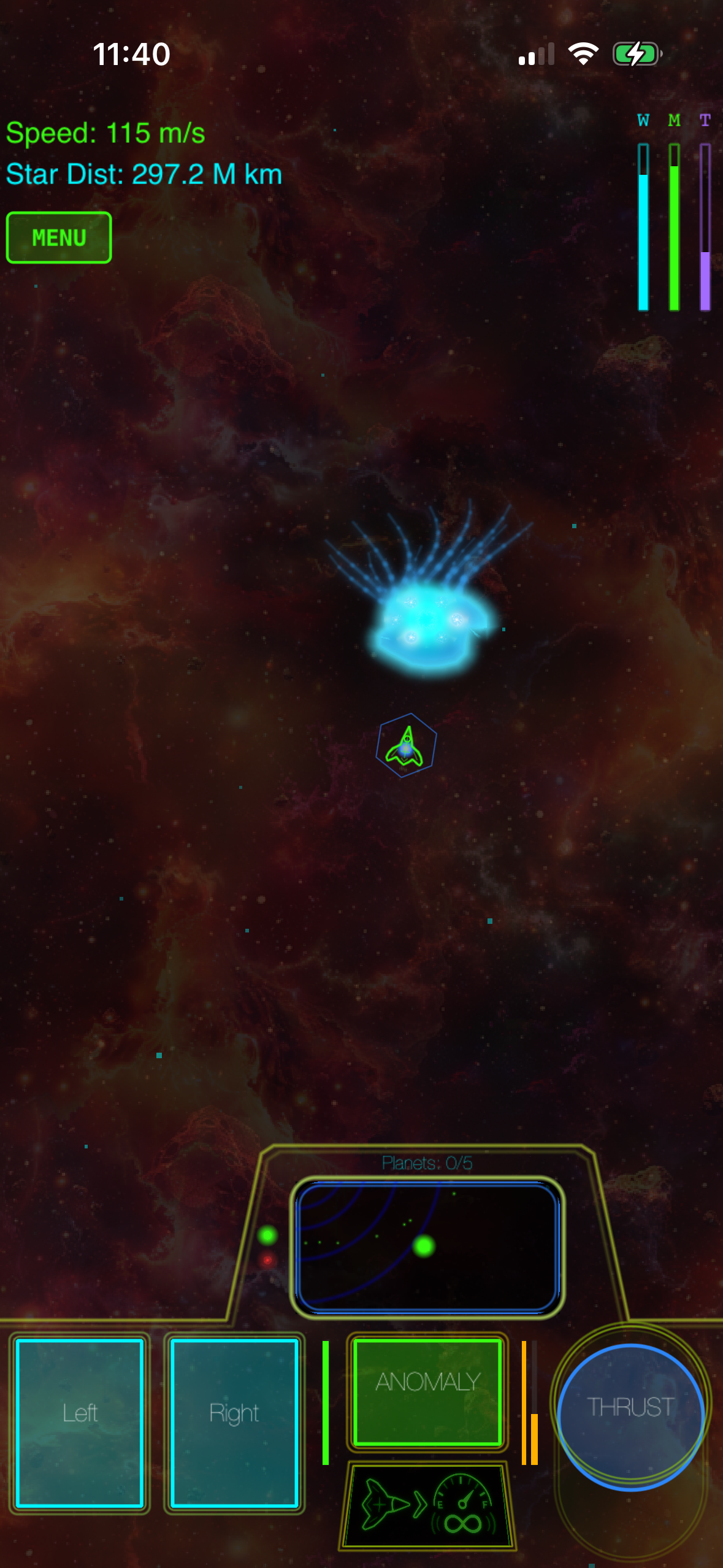
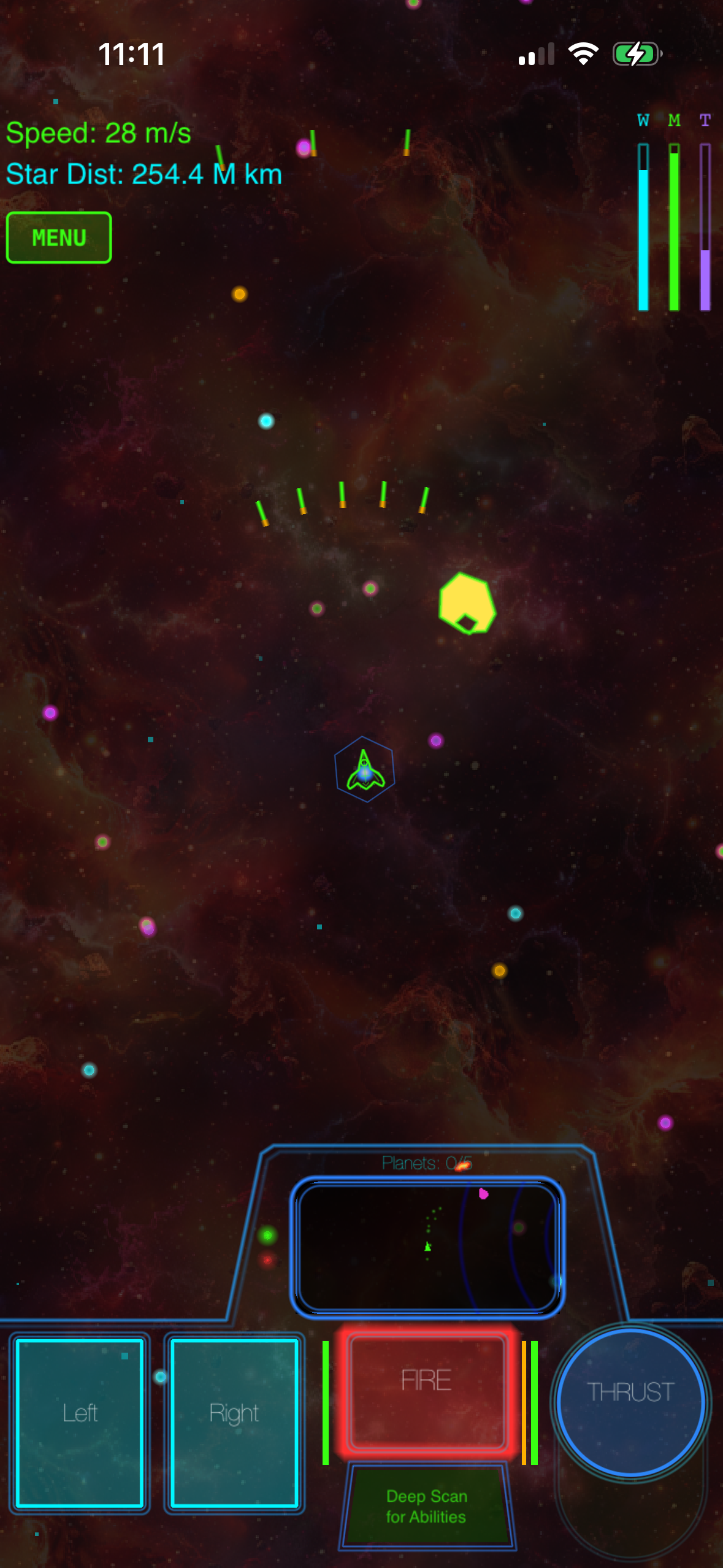
Galaximus (, developed by Cosmic Wheel Studios, App Store) stands out because it’s built on real orbital mechanics—every celestial body’s gravity affects your trajectory, and mastery comes from using that gravity as your engine. The learning curve is real (slingshots and orbital transfers aren’t intuitive), but a controller makes the learning process feel like piloting rather than button-mashing. The ship responds to analog input in ways that reward patient positioning over reflexes.
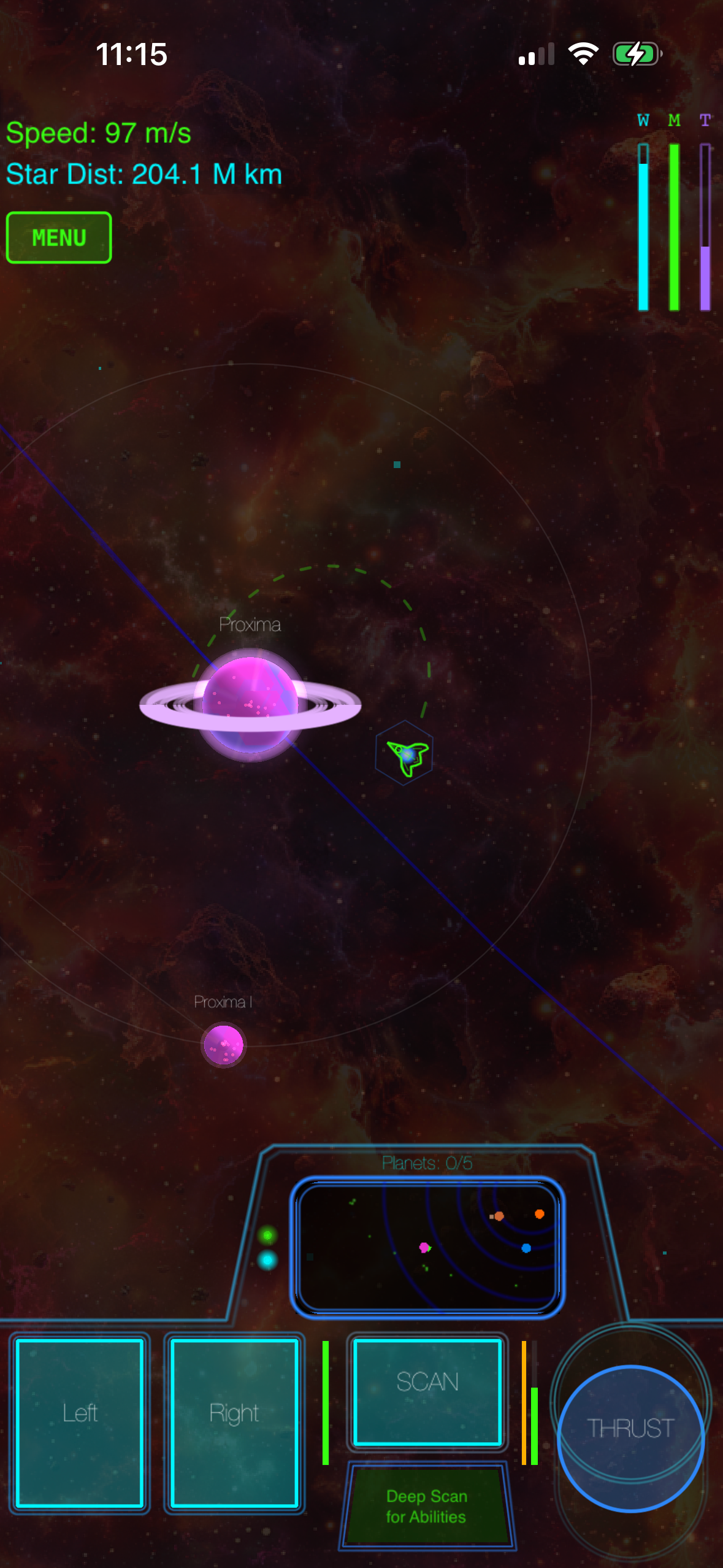
Galaximus ships as a one-time purchase at, with no ads or in-app purchases. The expansion Galaximus Infinitum—open-galaxy sandbox, planetary surface exploration, outpost building—launches in late 2026, and players who buy now get the expansion free when it ships. After Infinitum launches, the combined game moves to, so early adoption carries real value.
Meets criteria: ✓ Full controller remapping | ✓ Analog stick precision required | ✓ Haptic feedback on thrust and gravity wells
For a different space-strategy flavor, Star Command: Galaxies (, App Store) offers fleet tactics over physics—less about orbital mechanics, more about real-time tactical positioning. Full MFi support with back-button shortcuts for unit commands.
Meets criteria: ✓ Full controller remapping | ✓ Analog stick used for camera panning | ✓ Haptic feedback on unit selection
Void Expanse (, App Store) combines top-down space exploration with mining and trading. Slower-paced than Galaximus, but the analog sticks excel at precise ship positioning during asteroid-field navigation.
Meets criteria: ✓ Full controller remapping | ✓ Analog stick for navigation | ✓ Haptic feedback on resource collection
Arcade-Lineage Games Built for Gamepads
The best modern arcade games on iPhone respect the heritage of 1980s arcade design—tight controls, immediate feedback, high skill ceiling—and MFi support is almost expected in this category.
Geometry Wars 3: Dimensions (, Lucid Games, App Store) is the gold standard for dual-stick arcade action on iOS. Left stick moves, right stick aims; the game demands split-attention precision that touch controls simply can’t deliver. Haptic feedback on every explosion reinforces the arcade cabinet feel.
Meets criteria: ✓ Full controller remapping (all menus) | ✓ Dual analog sticks essential | ✓ Haptic feedback on every action
Crossy Road (, Hipster Whale, App Store) channels Frogger through a voxel aesthetic. The controller transforms it from a tap-rhythm game into a genuine arcade platformer where timing and spatial awareness matter. Analog stick input lets you modulate your movement speed mid-jump.
Meets criteria: ✓ Full controller remapping | ✓ Analog stick for movement nuance | ✓ Haptic feedback on collision and scoring
Asteroids: Gunner (, Retro Arcade Labs, App Store) strips Asteroids down to its essentials and adds a secondary fire mechanic. Rotation and thrust on analog sticks; fire and special weapon on buttons. No procedural generation—hand-crafted waves that reward pattern recognition.
Meets criteria: ✓ Full controller remapping | ✓ Analog stick precision required | ✓ Haptic feedback on weapon fire
Tempest 4000 (, Llamasoft, App Store) is the modern sequel to the 1981 arcade classic. Analog stick controls rotation and movement along the tube; the game’s visual intensity demands the control precision a gamepad provides.
Meets criteria: ✓ Full controller remapping | ✓ Analog stick essential | ✓ Haptic feedback on enemy contact
Action Games Where Precision Pays Off
Action platformers and action-adventure games on iPhone live or die by control responsiveness. On-screen buttons introduce latency and ambiguity; a controller eliminates both.
Stardew Valley (, ConcernedApe, App Store) is technically a farming sim, but the action sequences—combat in the mines, fishing mechanics—benefit enormously from controller precision. Analog stick movement feels natural; button-mapped tools let you switch between pickaxe and sword without menu navigation.
Meets criteria: ✓ Full controller remapping | ✓ Analog stick for movement | ✓ Haptic feedback on tool use
Monument Valley 2 (, ustwo games, App Store) is a puzzle-adventure where the “action” is exploration and perspective manipulation. Controller support adds fluidity to camera control and character movement that touch can’t match.
Meets criteria: ✓ Full controller remapping | ✓ Analog stick for camera | ✓ Minimal haptic feedback (puzzle-focused)
Into the Breach (, Subset Games, App Store) is turn-based tactical strategy, but the controller makes menu navigation and unit selection feel snappy rather than laborious. No real-time pressure, but the precision of button-mapped commands elevates the experience.
Meets criteria: ✓ Full controller remapping | ✓ Analog stick for cursor movement | ✓ Haptic feedback on turn confirmation
Hyper Light Drifter (, Heart Machine, App Store) is a top-down action-adventure where the analog sticks control movement and aiming simultaneously. Sword combat demands the responsiveness only a controller can provide.
Meets criteria: ✓ Full controller remapping | ✓ Dual analog sticks essential | ✓ Haptic feedback on combat
The Economics of Premium Games with Controller Support
Premium games on the App Store typically. Most controller-optimized titles cluster in the range, where developers have invested enough in craft to justify proper gamepad support but haven’t priced themselves out of the market.
The trade-off is worth it. A mid-tier premium game with controller support and no ads is genuinely cheaper than playing a free-to-play title for six months while energy timers and battle passes nickel-and-dime you. You pay once, own forever, and the game doesn’t get worse over time as the developer chases engagement metrics.
Games That Work Offline
One underrated advantage of premium controller-optimized games: most of them work offline. No server dependency, no “play online or play nothing” gatekeeping.
This matters more than it sounds. You can play on a plane, in a car, in a cabin with spotty WiFi. The game doesn’t check in with a backend server to validate your controller or sync your progress to the cloud. It just plays.
Games designed for offline play tend to be single-player focused, which also means the developer’s incentive structure doesn’t push toward live-service monetization. That’s usually a good sign. All games listed in the Quick Picks section above support offline play.
FAQ
Does Galaximus require an internet connection? No. Galaximus is fully offline. You can play anywhere without WiFi or cellular.
What’s the cheapest MFi controller that works with iPhone? Mid-range MFi controllers (typically ) offer the best value. You don’t need premium models with back buttons or adaptive triggers for most games. Any MFi-certified controller will work; check the App Store listing to confirm your specific controller model is listed under “Compatible Controllers.”
Does Star Realm Mobile support MFi controllers? Star Realm Mobile does not currently support MFi controllers. We’ve removed the recommendation from this guide.
Can I play these games with touch controls instead? Yes, most premium games offer both. But the controller experience is deliberately better—faster response time, more precise input, haptic feedback. If the game is designed for a controller, touch is the fallback, not the default.
Which of these games work best for beginners? Start with Crossy Road or Monument Valley 2 . Both have gentle learning curves and reward exploration over reflexes. Stardew Valley is also beginner-friendly but longer; it’s a bigger commitment.
Do I need haptic feedback on my controller? No, but it enhances the experience. Standard MFi controllers support haptic feedback; it’s not a premium feature. Games work fine without it, but you’re missing subtle cues that reinforce what’s happening on screen.
Are these games still receiving updates? Galaximus, Geometry Wars 3, and Into the Breach receive occasional balance updates. Stardew Valley receives regular content updates. Most others are feature-complete and receive only bug fixes. None have abandoned their player base.
The Bottom Line
MFi controller support is the clearest signal that a developer cared enough about the experience to optimize for hardware beyond the base iPhone. In a landscape cluttered with free-to-play compromises, that choice matters.
If you’ve got a controller, the premium games in the arcade-lineage and space-sim categories will show you what iPhone gaming can actually be. If you don’t own one yet and you play action games regularly, the investment pays for itself in a few quality titles.
The controller-optimized premium game landscape is small, but it’s where the craft lives.